


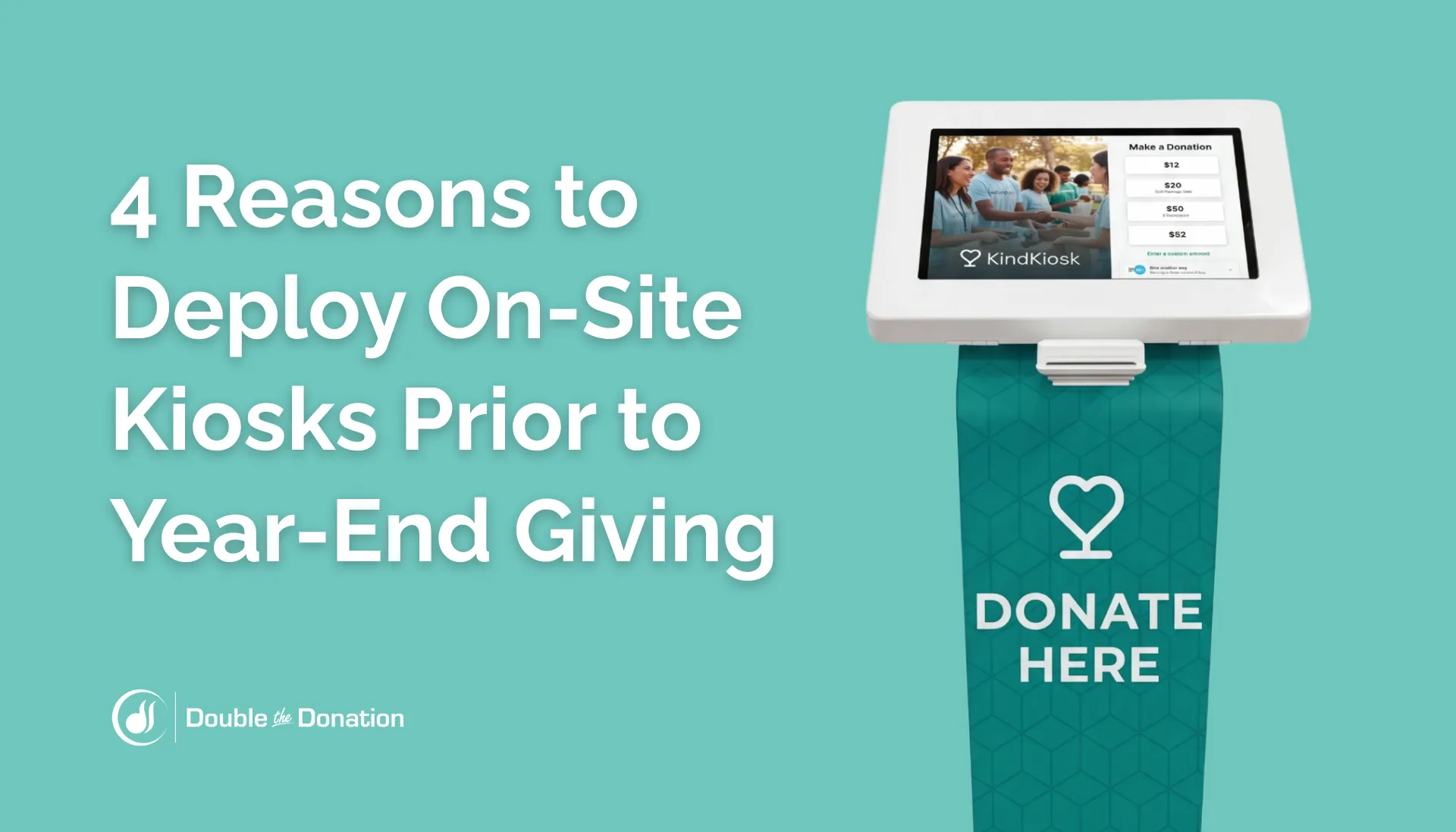
According to Double the Donation, 31% of total charitable giving takes place in December each year, with 50% of organizations being majority funded during year-end giving. The result? Q4 galas, auctions, and other community events represent major fundraising opportunities for nonprofits and schools.
Implementing self-service digital engagement stations is one of the best ways to streamline on-site event logistics and convert enthusiasm into financial support. The following guide explores how deploying on-site hardware prior to year-end giving helps nonprofit development directors, event coordinators, and fundraising leaders reduce friction, collect accurate supporter data, unlock underutilized revenue streams, and more.
Let’s dive in!
Reason #1: Speed up check-in and reduce event queues.
Traditional event logistics frequently stifle donor momentum. When guests arrive only to be greeted by lengthy check-in lines, physical intake forms, and manual payment processing, the initial excitement begins to fade.
These operational bottlenecks create unnecessary friction for guests and drain valuable staff capacity, leading to crowded entryways, frustrated guests, and delayed program schedules.
Modern event attendees expect the same fast, digital convenience at a charitable gala that they experience in commercial environments.
Luckily, the right tools transform physical on-site logistics by putting self-service capabilities directly in attendees' hands. Here’s how an event hardware specialist like Kind Kiosk would benefit your organization leading into the year-end giving push:
Streamlined registration processes: On-site giving tools let attendees register and/or check in within seconds, eliminating entry bottlenecks.
Reduced administrative overhead: Automated payment processing handles transactional workflows instantly, freeing staff and volunteers to focus on donor stewardship on the event floor.
Enhanced guest experiences: Shorter lines create a positive first impression, keeping attendees energized and open to deeper engagement throughout the evening.
By accelerating entry and reducing wait times, organizations can easily establish a professional tone for the entire event, allowing supporters to transition smoothly into the main event. In other words, they can focus on your mission rather than the check-in logistics.
Reason #2: Capture impulse donations during peak moments.
Event attendees are typically most inspired to contribute immediately following constituent testimonials, live appeals, or other “emotionally moving” presentations. These high-impact moments represent peak donor intent, where supporters feel a strong connection to your cause and want to take immediate action. However, if making a contribution requires finding a staff member, filling out a paper form, or waiting in line at a single payment table, that momentum quickly dissipates.
Placing intuitive hardware stations in strategic locations throughout your venue ensures that donors can act the moment inspiration strikes. Rather than forcing supporters to navigate a complex giving process, interactive kiosks offer immediate, frictionless engagement while supporters are at the height of their emotional connection to your cause.
Kind Kiosks offer flexible digital payment options, too, including digital wallets, credit and debit card processing, and tap-to-pay functionality, to make contributing fast and effortless.
Key Takeaway: Capitalizing on peak emotional moments requires meeting donors where they are. Removing payment friction ensures that your organization captures every dollar of intent generated by your event programming.
Reason #3: Expand on-site awareness of workplace giving.
While individual gifts at year-end events provide vital revenue, many supporters are unaware that their employers may double or even triple their contributions through workplace giving programs.
Billions of dollars in corporate matching gifts and volunteer grants go unclaimed every year simply because supporters do not know these benefits exist or don’t understand how to submit a request. Therefore, if your team plans to invest in an on-site giving station, make sure it’s equipped with workplace giving automation functionality.
Integrating employer search capabilities into your digital donation stations introduces corporate philanthropy opportunities at the exact moment a contribution is made, often yielding significant results. And leading up to the end of the calendar year is one of the best times for organizations to refresh their workplace giving strategies! Here’s what we recommend:
Integrating real-time eligibility prompts: Digital giving flows prompt donors to search for their employer at the point of giving, immediately raising awareness of corporate benefits. This helps nonprofits pinpoint supporters who qualify for hidden matching gift and corporate volunteer opportunities.
Automating post-event follow-ups: Don’t let engagement end when the last guest leaves the venue. Instead, be sure to trigger personalized follow-up communications that remind supporters about workplace giving eligibility.
Expanding into broader partnerships: Encouraging supporters to pursue workplace giving opportunities on-site allows a single contribution to unlock a multi-channel partnership. Companies that contribute funding through matching gifts and volunteer grants can be some of your best prospects for formalized sponsorships, grants, and more.
The good news? Kind Kiosk integrates with Double the Donation to make tapping into these underutilized revenue streams simpler than ever.
Elevating corporate giving awareness during physical events converts one-off donations into recurring corporate support. Not to mention, supporters are more likely to give (and to give in larger amounts) when they know a match is available!
Interested in learning more about scaling workplace giving at year-end? Download the free eBook here.
Reason #4: Capture clean supporter data automatically.
Missing or inaccurate donor records prevent fundraising teams from executing targeted post-event stewardship. When event staff rely on handwritten sign-in sheets or paper pledge cards, database managers are often left to decipher illegible handwriting, fill in incomplete entries, and subsidize missing contact details.
Direct digital entry on self-service kiosks solves integrity issues at the source. When supporters enter their information, it can flow directly into your database with a high degree of accuracy, eliminating manual data entry and guaranteeing cleaner data.
Therefore, make sure you’re asking the right questions on your giving kiosk! We recommend collecting:
Name (Full and Preferred): Captures accurate legal names alongside preferred first names to personalize future communications and outreach.
Contact Information: Collects verified emails and phone numbers from supporters to ensure deliverability for follow-up campaigns.
Employer Name: Identifies corporate connections to unlock matching gifts, volunteer grants, and payroll giving opportunities.
Mailing Address: Captures clean physical location data for direct mailings, tax receipts, and localized event invitations.
Communication Preferences: Allows supporters to opt in to specific outreach channels, such as email updates, SMS alerts, or newsletters.
Volunteer Interests & Availability: Gathers details on skill sets and preferred service schedules to align supporters with relevant roles.
Affiliation or Connection: Tracks how the supporter relates to your cause, such as alumni, parent, board member, or first-time attendee.
A data-backed fundraising plan is the foundation of long-term donor retention. Capturing clean data on-site equips your team with the insights needed to cultivate supporters through personalized follow-ups long after the lights go down.
Bonus: How to deploy a Kind Kiosk before the year-end push
If the points above resonated with your team and you’re ready to deploy an on-site giving kiosk for your upcoming giving season initiative, just follow these step-by-step instructions to get started.
Step 1: Decide between a dedicated or single-event kiosk.
First off, you’ll need to determine the duration and location requirements for your on-site kiosk tool. Dedicated Kiosks are ideal for permanent or semi-permanent installations in locations like museums, libraries, houses of worship, or animal shelters. Meanwhile, Event Kiosks are built for short-term needs such as galas, conferences, 5K runs, or end-of-year fundraising events.
Step 2: Select your hardware model.
Next, select the physical setup that best suits your operational layout. Kind Kiosk currently offers three specific hardware models: handheld (a portable unit with a built-in card reader), tabletop (a compact standalone kiosk featuring an 11-inch tablet and card reader), and full-size (a floor-standing kiosk designed to drive high-volume traffic in larger spaces).
Step 3: Choose your software plan and add-ons.
Select the operational features required for your fundraising goals. For dedicated kiosk deployments, select from Community, Growth, or Enterprise plans based on your organization’s budget and use case. For event-based deployments, you can also enhance your setup with optional on-site support, a Wi-Fi/LTE router, or a custom banner design for an additional cost.
Step 4: Configure workflows and screen displays.
From there, begin customizing the kiosk interface to match your organizational branding and outreach targets. For donation and commerce workflows, establish simple payment options for one-time gifts, recurring support, or sales. Then, enable the real-time leaderboard display to celebrate incoming gifts during live events!
On Growth and Enterprise plans, you can even build personalized workflows designed to capture mailing list sign-ups, log volunteer hours, or collect survey responses alongside your donation flow.
Step 5: Determine optimal placement.
Position your kiosks where visitors naturally pause or gather. High-traffic spots include main entrances, exit pathways, gift shops, exhibit areas, or event check-in tables. Because tabletop and handheld models are portable, staff can easily adjust placement throughout an event or season based on foot traffic.
Step 6: Manage deployment and offer support.
As supporters begin interacting with the kiosk for the first time, make it easy to give by offering proactive support. Leverage clear signage and encourage trained team members to guide new users through the seamless process.
Then, use the central admin dashboard to monitor incoming donations across deployed units. Ensure all captured supporter details flow seamlessly into your CRM to power automated follow-ups (such as matching gift outreach) throughout the year-end campaign.
Wrapping Up
Deploying self-service giving technology before the year-end fundraising rush removes operational friction and creates a modern giving experience for event guests. By eliminating physical bottlenecks and capturing donations during emotional peaks, organizations can protect donor momentum and elevate the overall event experience. Furthermore, integrating employer search capabilities directly into on-site kiosks enables nonprofits to capture clean employment data from donors and volunteers, thereby unlocking workplace giving revenue.
Timing your deployment prior to Q4 ensures your staff and volunteers are fully trained, tested, and prepared to maximize revenue across all year-end touchpoints. Capturing corporate eligibility during Giving Tuesday and other year-end events establishes a reliable pipeline of workplace giving disbursements that will fuel your mission well into the first quarter and beyond.