
elevates in-person fundraising.
Stay up to date with the latest features, fixes, and improvements to the Kind Kiosk platform.
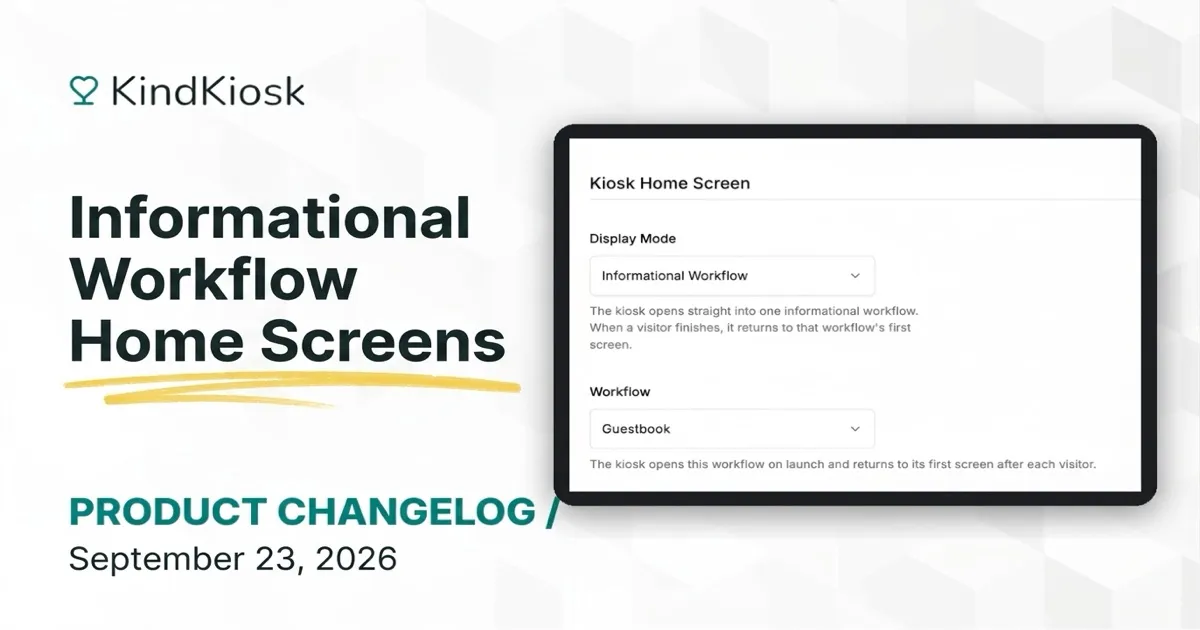
Open a kiosk straight into a guestbook, pledge form, or sign-in page. Set an informational workflow as the home screen and it resets for the next visitor on its own.
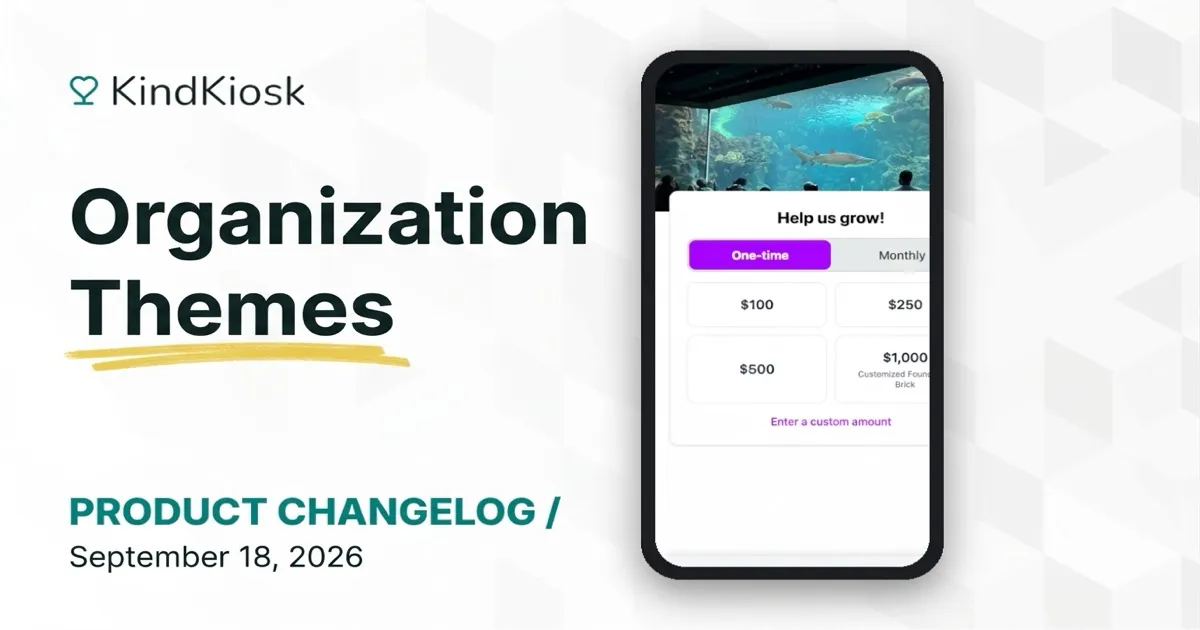
Give donors a donation experience that matches your brand. Pick a primary color once and it appears on your kiosks, handhelds, and the QR code donation page.
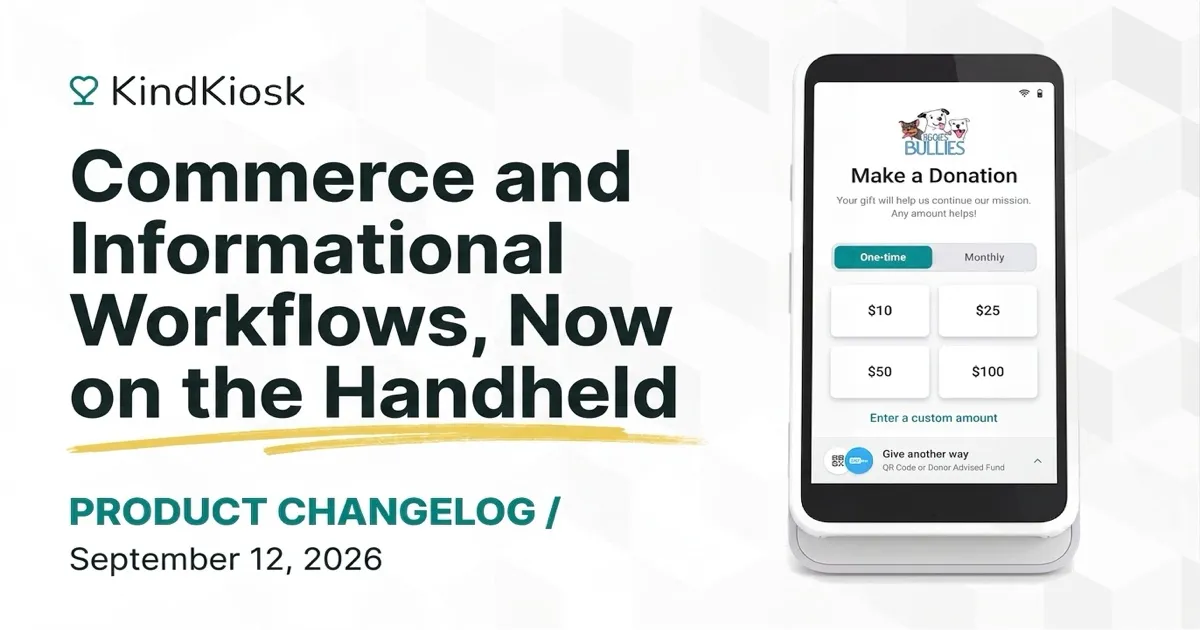
Your handheld kiosk can now run commerce workflows, so staff can sell merch, tickets, and concessions anywhere in the room with the same tap-to-pay checkout as the tablet.
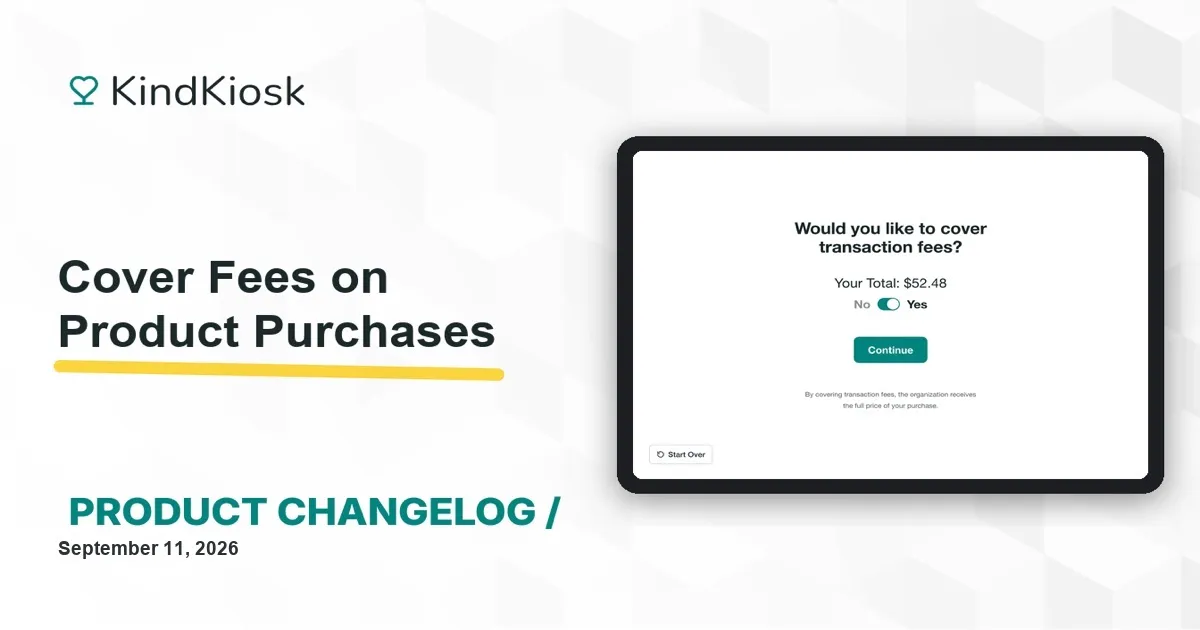
Product purchases can now ask customers to cover the card processing fee, so your organization keeps the full price of every item sold. Turn it on per commerce workflow.
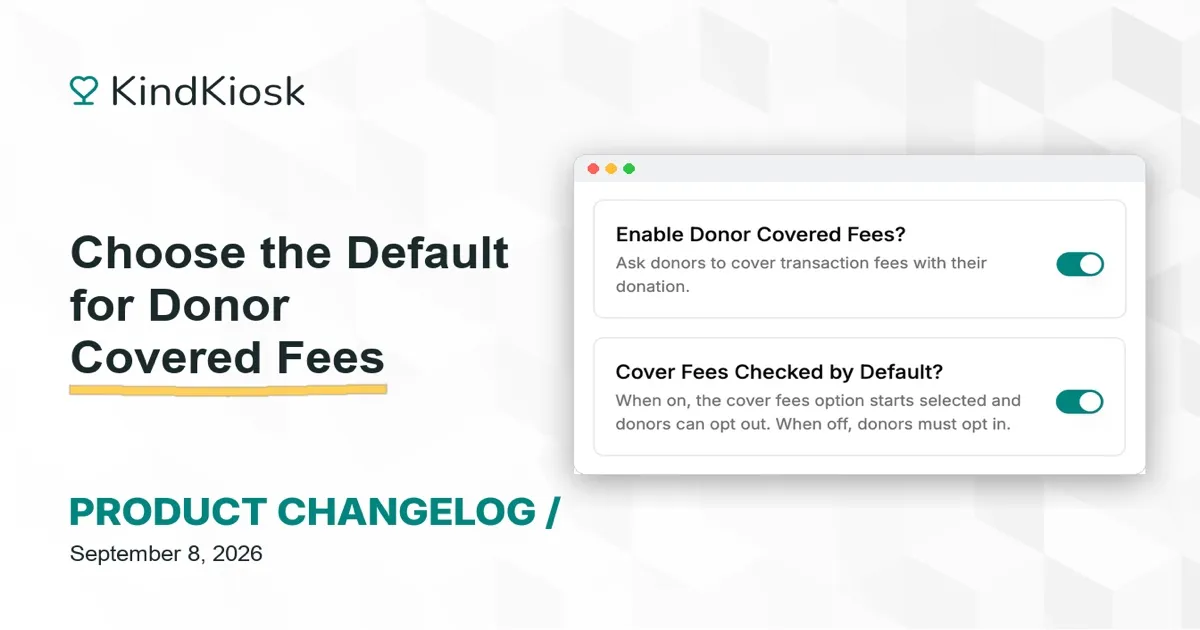
Decide whether the cover fees option starts on or off for your donors. Set it per configuration and it applies to kiosks, handhelds, and the QR code donation page.
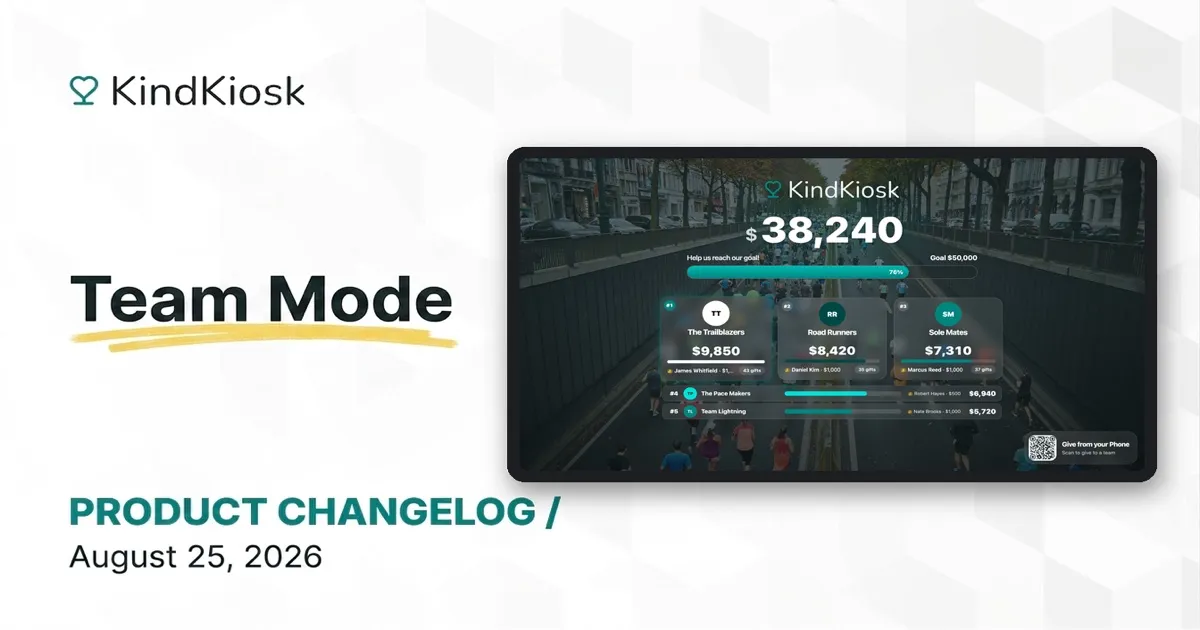
Create a friendly competition with team leaderboards! Build teams for a campaign, give every fundraiser their own page, and watch gifts roll up live from person to team to campaign.
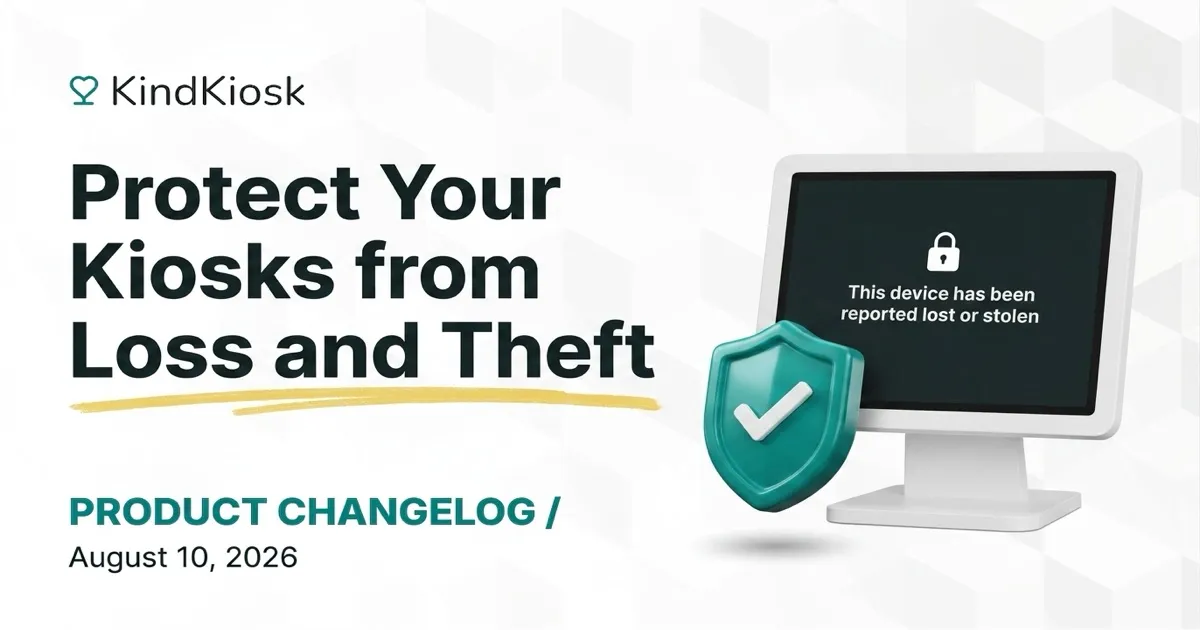
Report a kiosk lost or stolen right from the dashboard to instantly disable it. Payments stop, the device locks, and our team can restore it if it turns up.
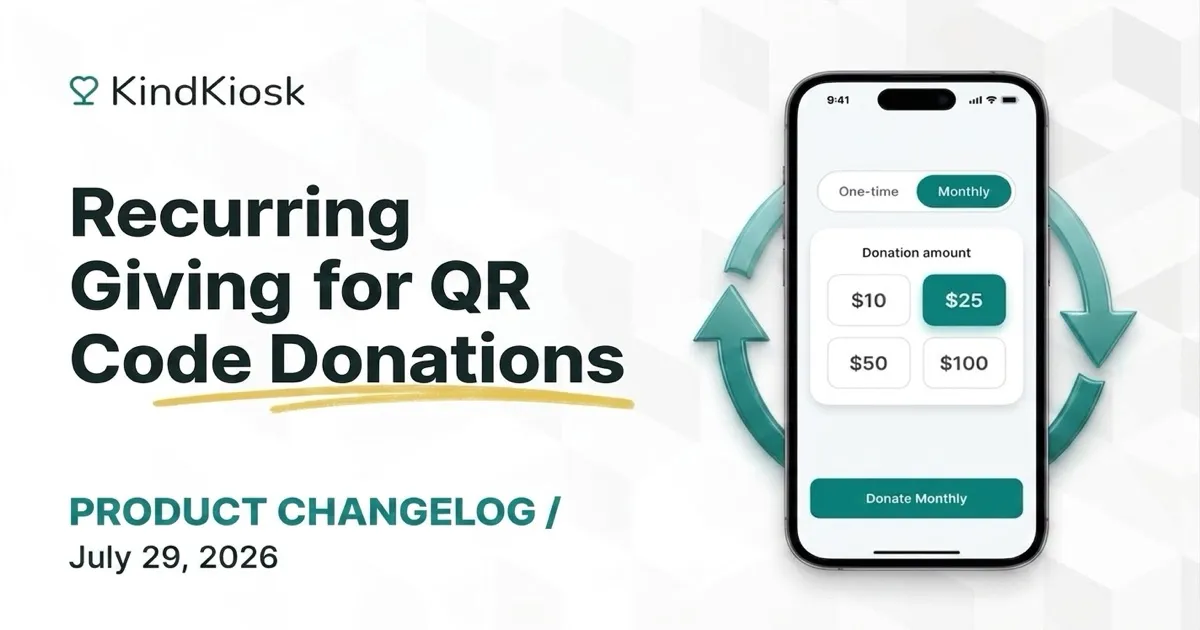
Monthly donors are some of your most valuable supporters. The QR code and Donate Button flows now help encourage them, with a monthly toggle, an optional upsell after one-time gifts, and donor-chosen durations.
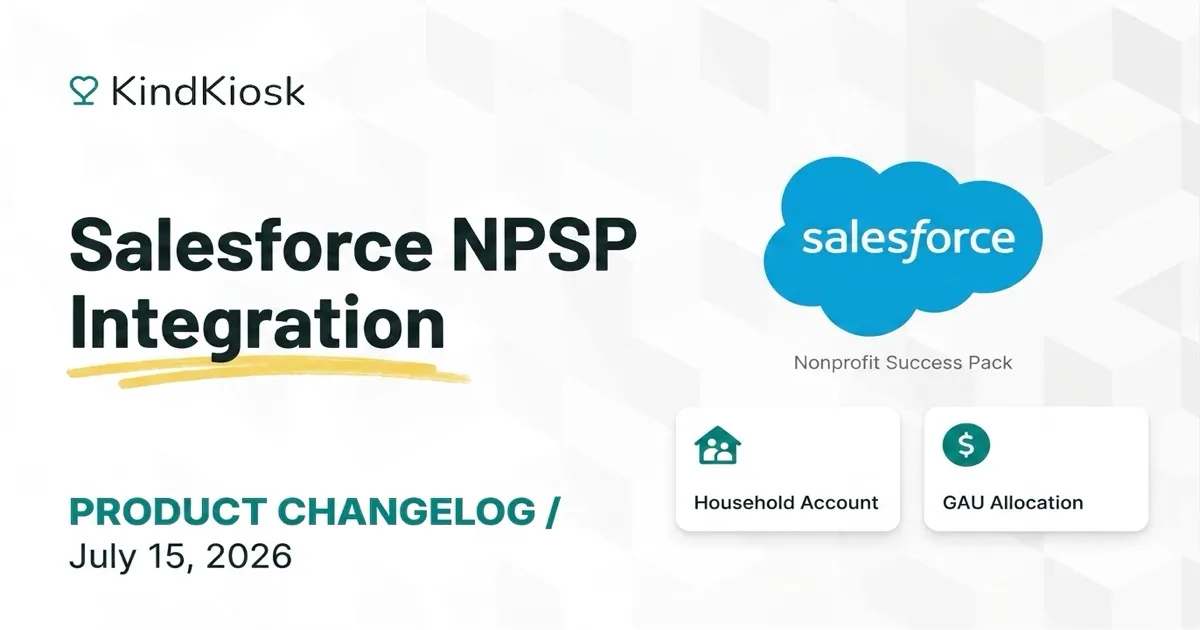
Kind Kiosk now integrates natively with Salesforce Nonprofit Success Pack: gifts sync as Opportunities with GAU Allocations, donors as Contacts on Household Accounts, and your GAUs and Campaigns sync down for kiosk configurations.
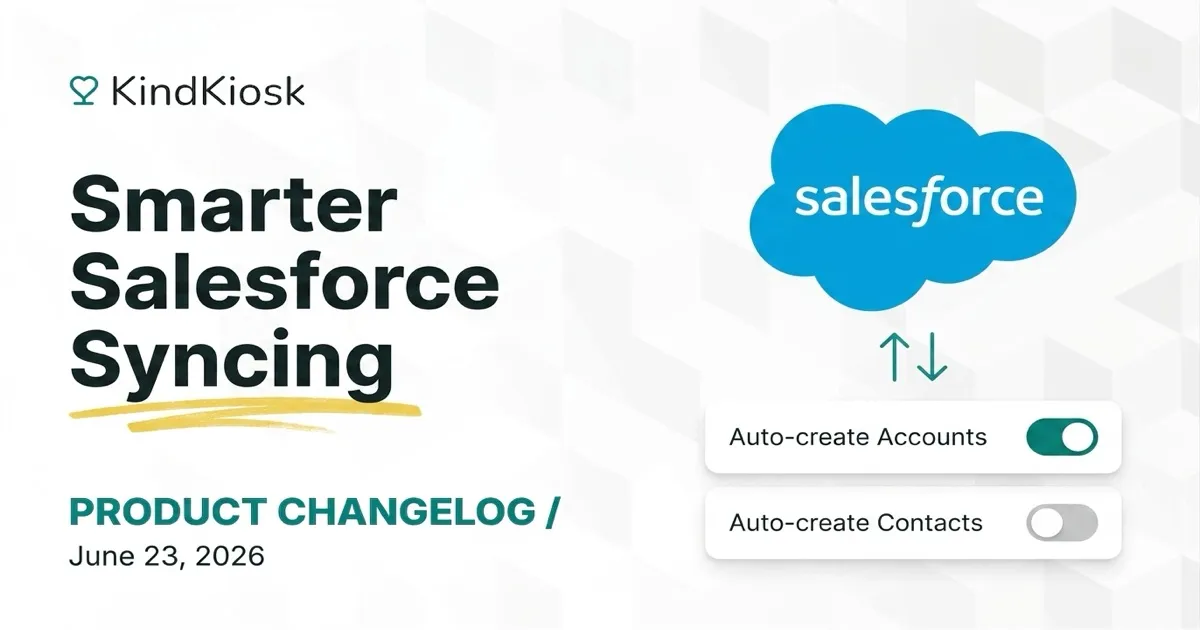
The Kind Kiosk Salesforce integration creates an Opportunity for every gift. But if your automation rules create Accounts or Contacts for you, new toggles tell our integration not to create them.
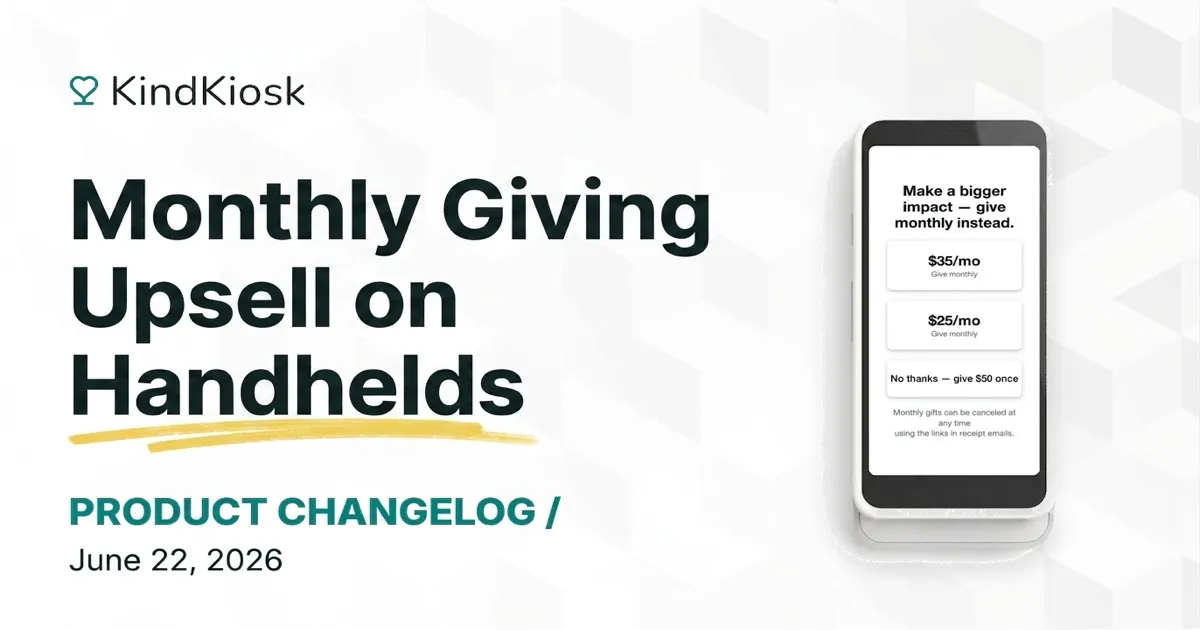
Handheld devices can now invite one-time donors to become monthly supporters, with a configurable prompt and suggested monthly amounts — and card-present monthly gifts renew reliably.
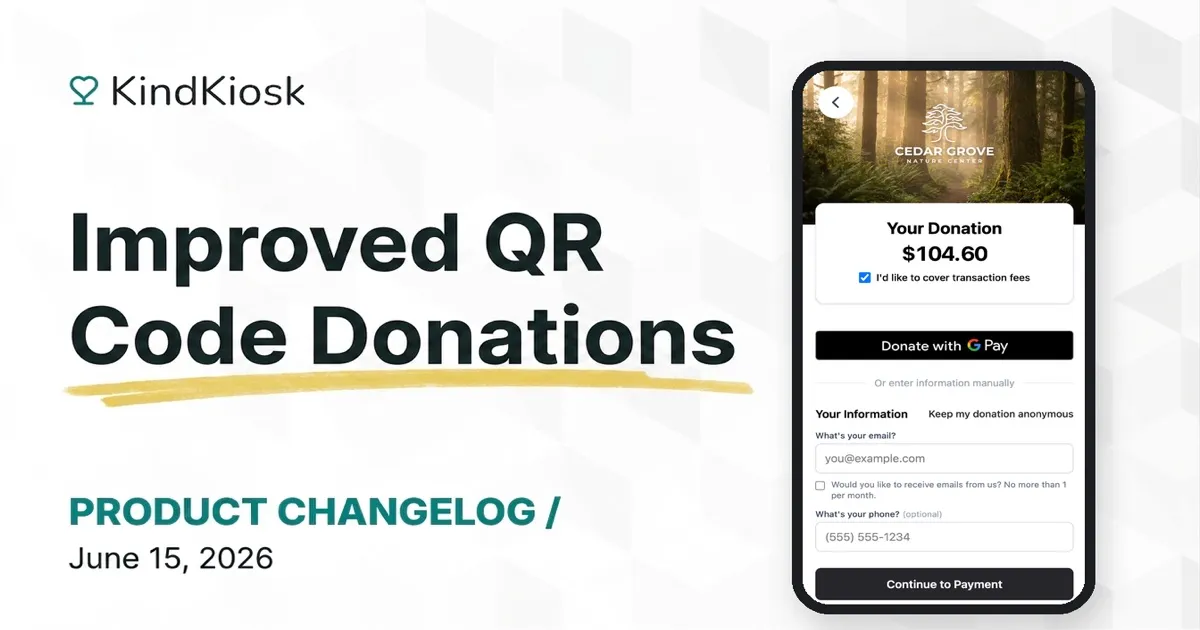
The QR donation flow now leads with Apple Pay and Google Pay for one-tap giving, with a cleaner single-screen form — and every QR donation shows which kiosk it started from.
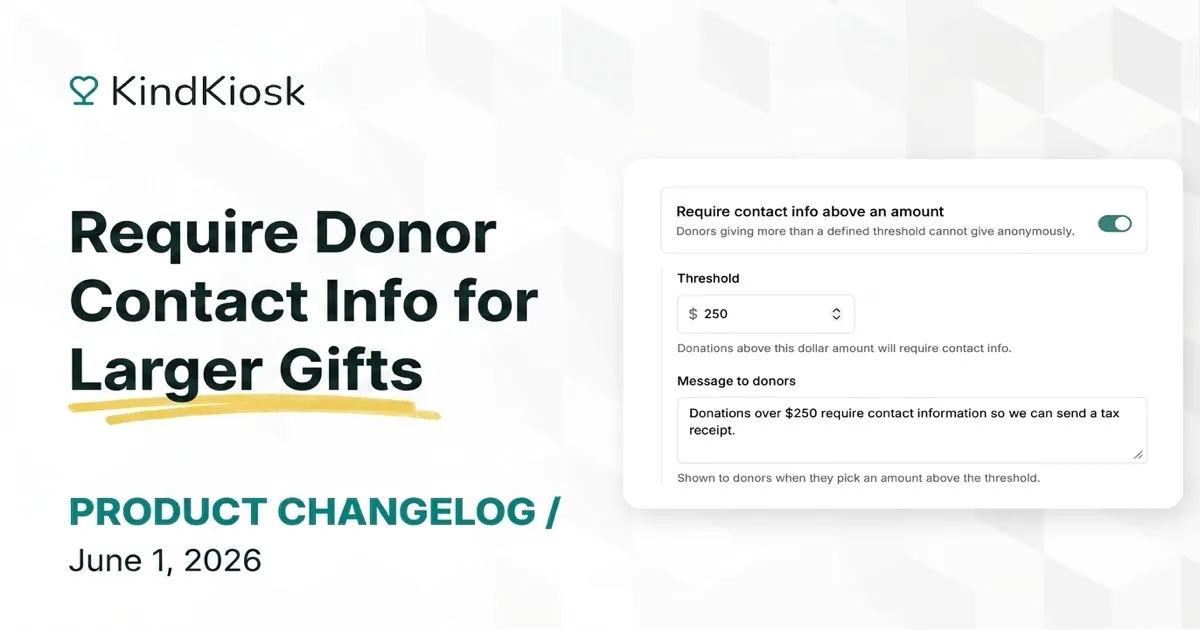
Set a configurable donation amount above which contact information becomes required, so smaller gifts stay frictionless while larger ones capture the details you need for stewardship and tax reporting.
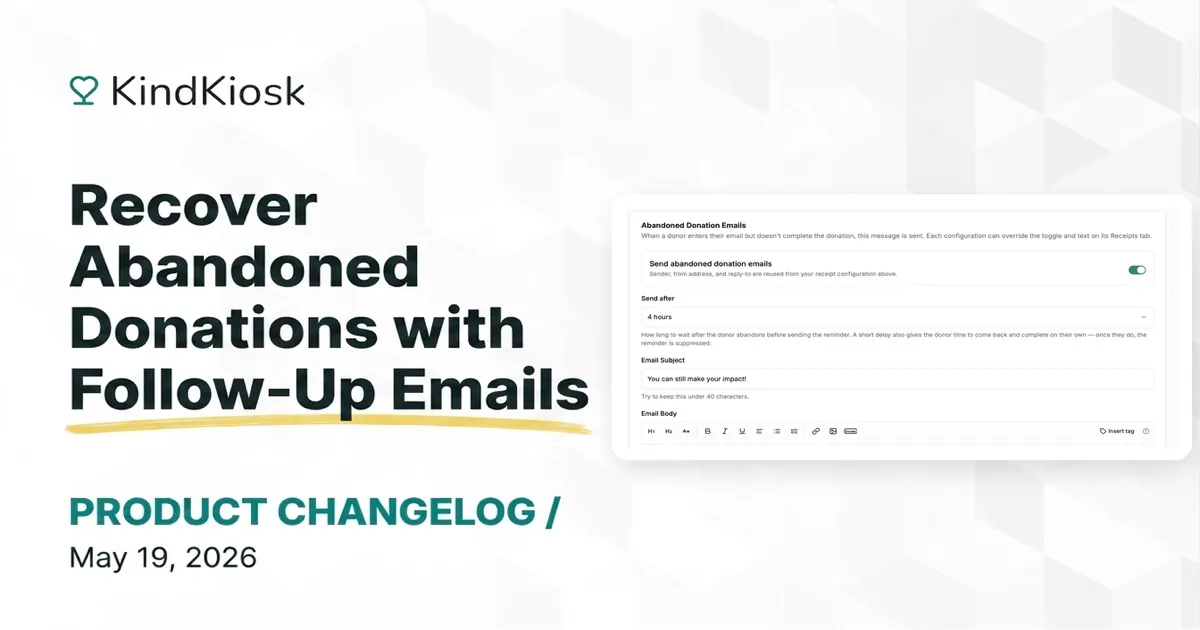
Kind Kiosk now automatically emails supporters who started a donation but didn't finish, with a one-click link straight back to the same flow so they can complete the gift in seconds.
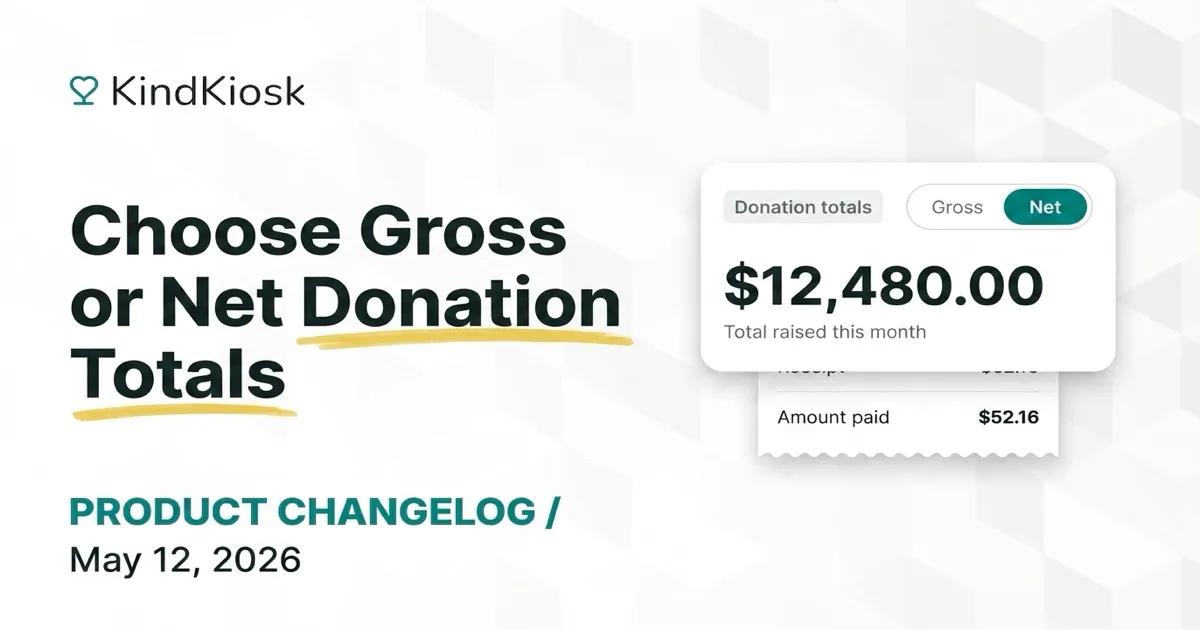
You can now choose whether donation totals display gross or net amounts. The dashboard and your CRM integrations respect it, and donor receipts always show the full amount paid.
Sync donations to Salesforce Opportunities and donors to Contacts with a native Sales Cloud and Service Cloud integration — including custom field mapping for booleans and numbers, plus email opt-in.
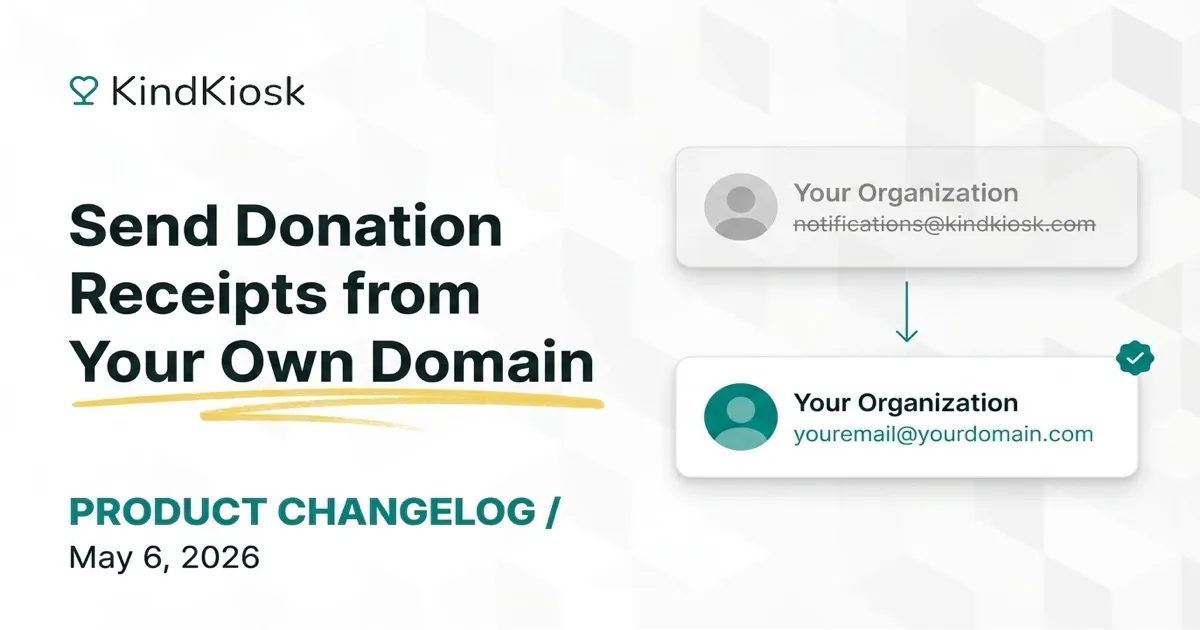
Enterprise organizations can now configure a custom domain so donation receipts are sent from their own email domain instead of the default — better deliverability and a more on-brand donor experience.
A round of fixes that polish receipts, donation entry, and kiosk UI across the dashboard and iPad app.
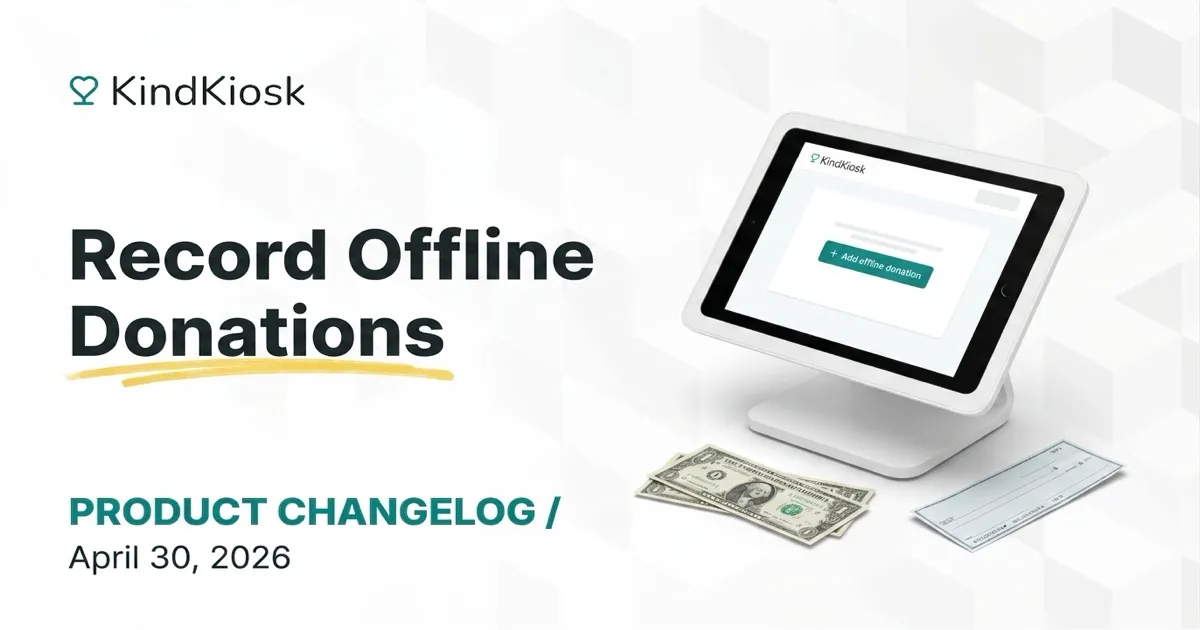
Capture cash, check, and pledge gifts you collected at events directly in your dashboard. Offline donations show up alongside kiosk donations on your live leaderboard and skip CRM sync to avoid duplicates.
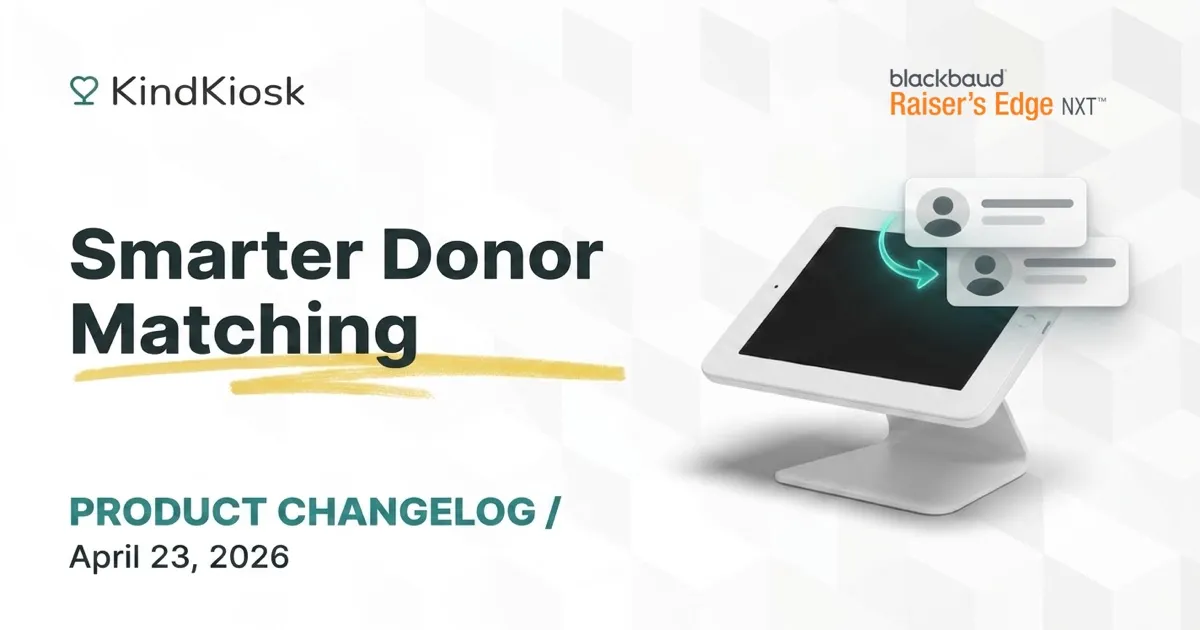
Raiser's Edge gifts now match donors more reliably — using email plus phone or address — and surface clearer review flags when a possible duplicate is found.
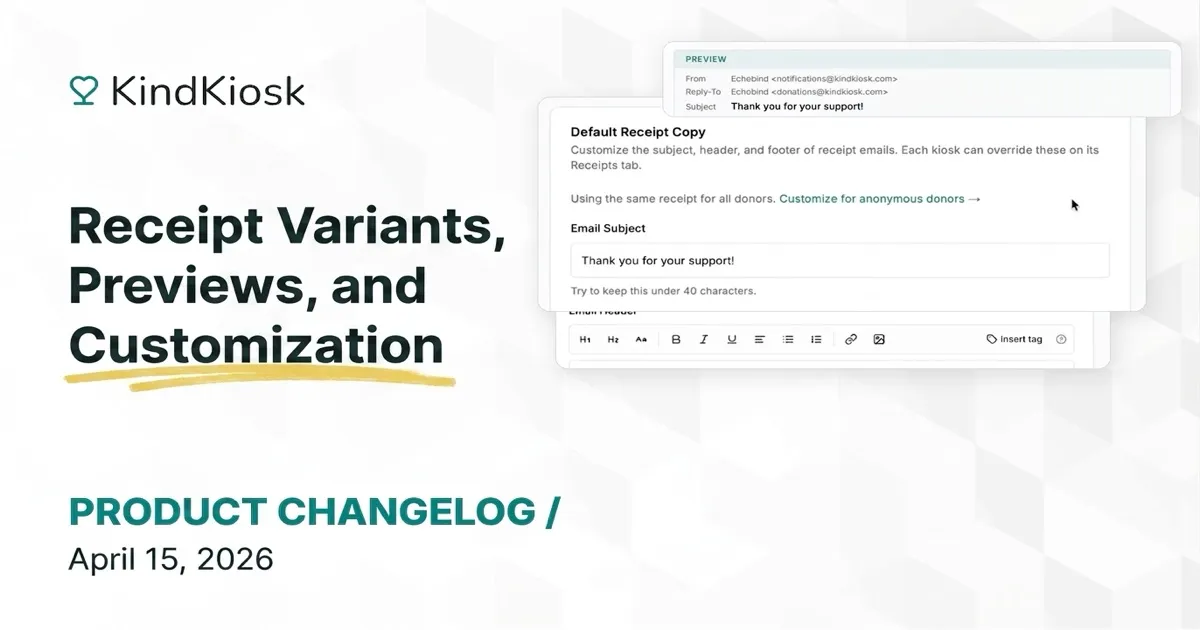
Until now, every donor who received a receipt got the same email — whether they left their name or tapped and walked away. Now you can write separate receipt copy for known and anonymous donors, preview exactly what they'll see, and customize everything with a rich text editor.
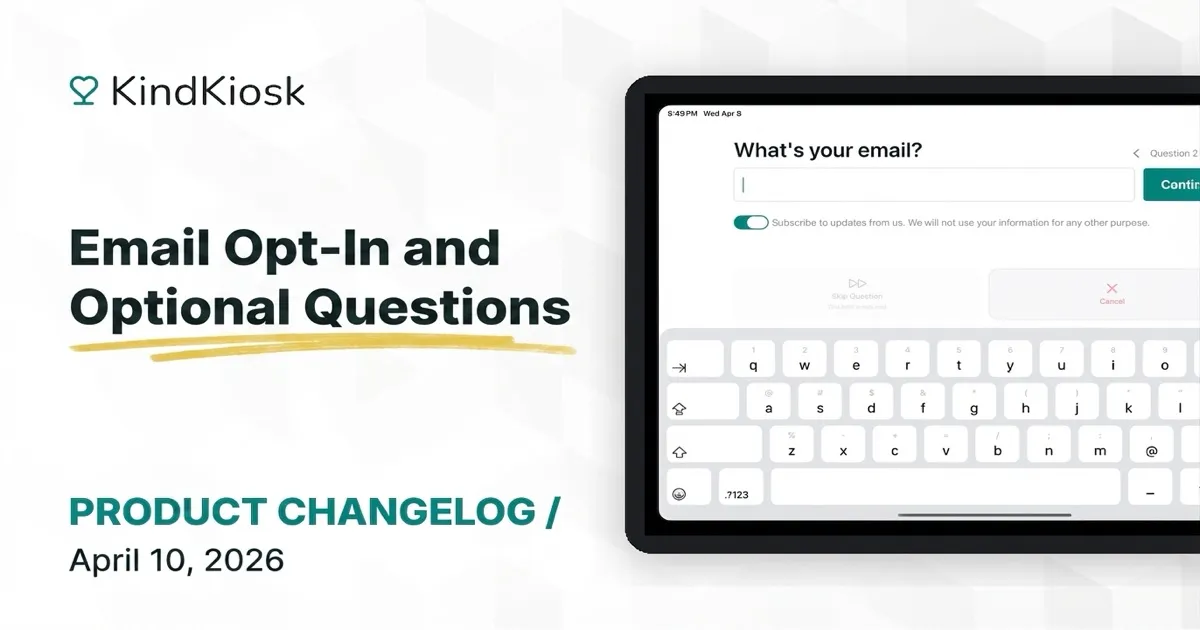
You now have more control over the questions your donors see during the donation process. Choose which fields are required, which are optional, and which to skip entirely.
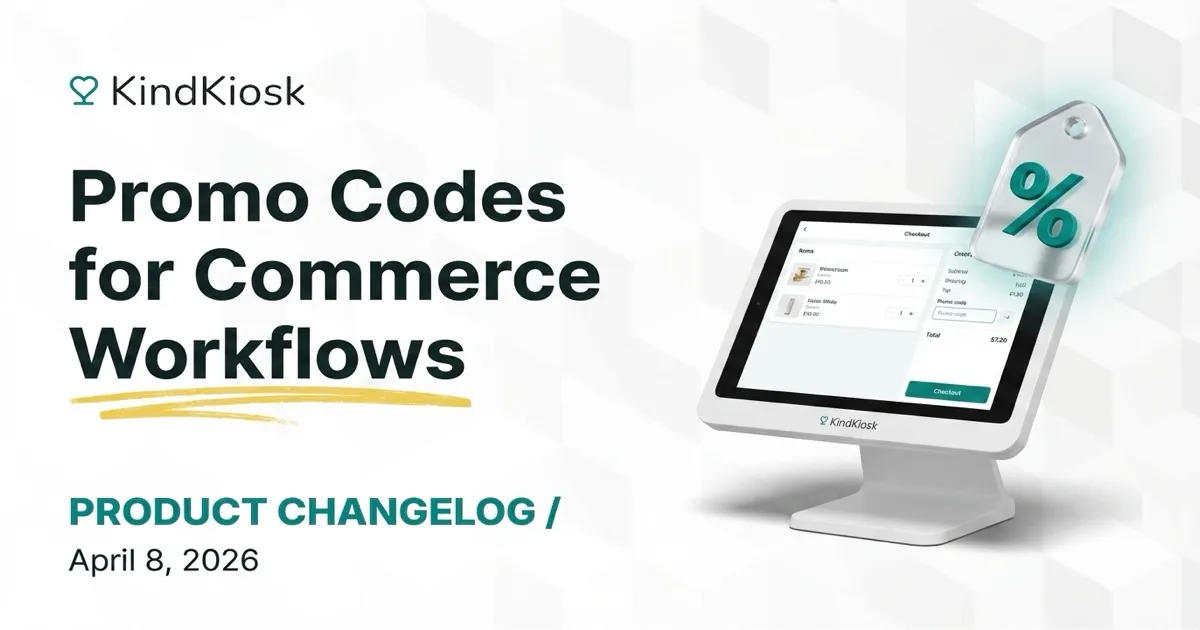
You can now create promo codes for your commerce workflows. Customers enter a code at checkout to receive a discount on their purchase.
A round of fixes to make your kiosks more reliable and your donation workflows smoother.
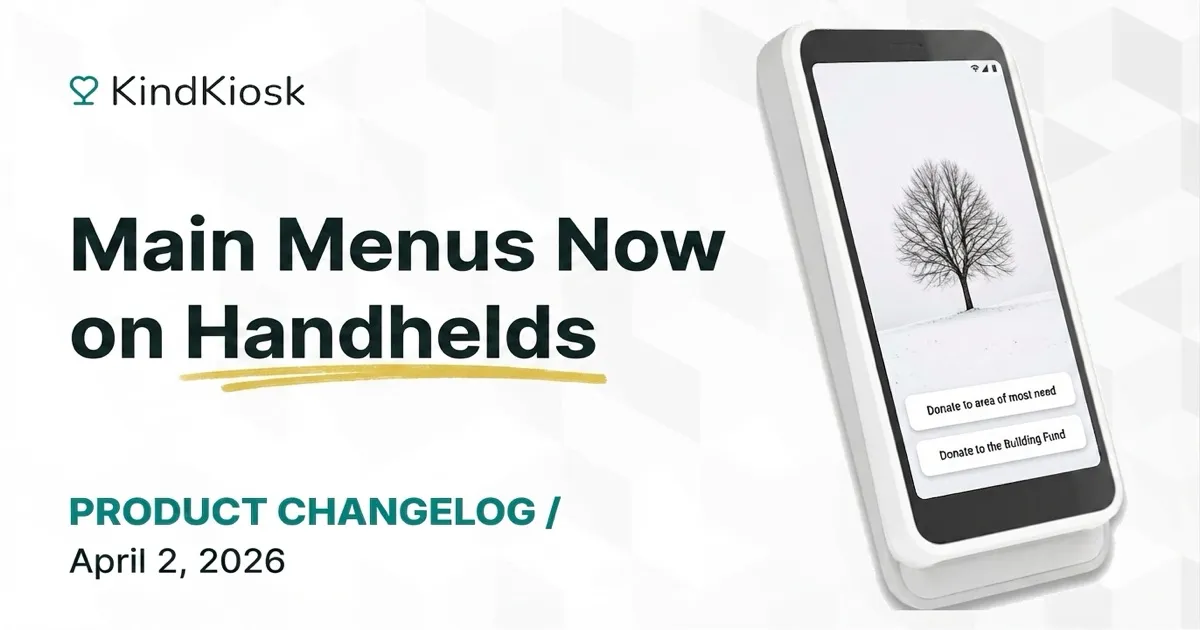
Your handheld devices now support main menus, so you can offer multiple donation workflows from a single device — just like the main kiosk experience.
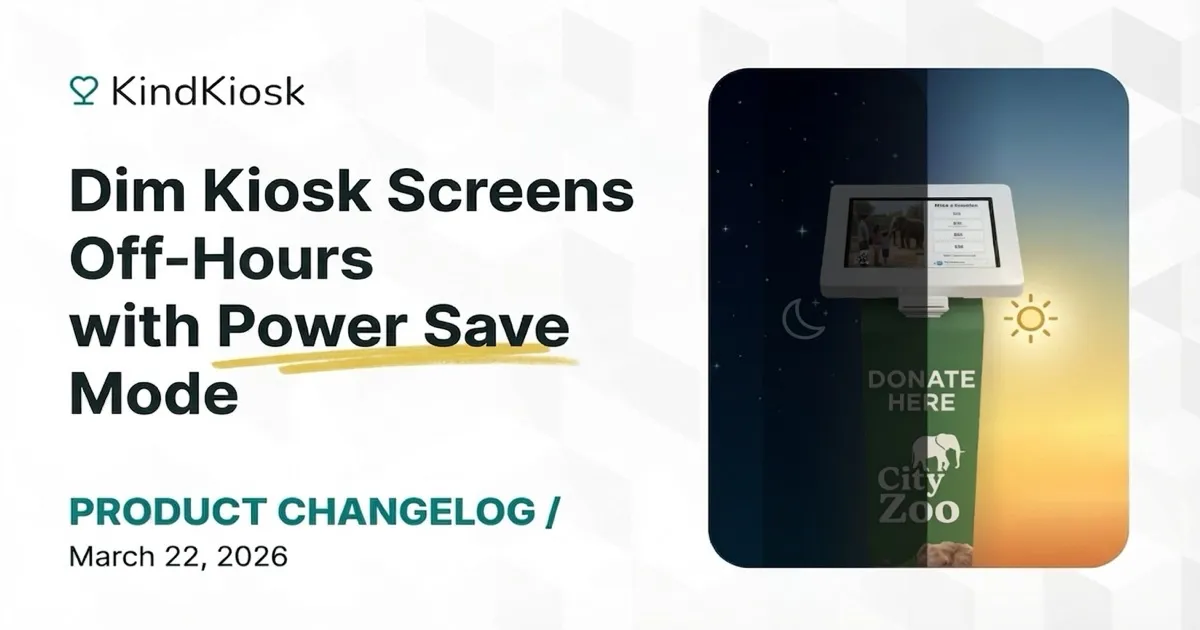
You can now set a schedule to automatically dim your kiosk screens when your location is closed. The screen dims to its lowest brightness with a dark overlay, helping save energy and extend screen life.
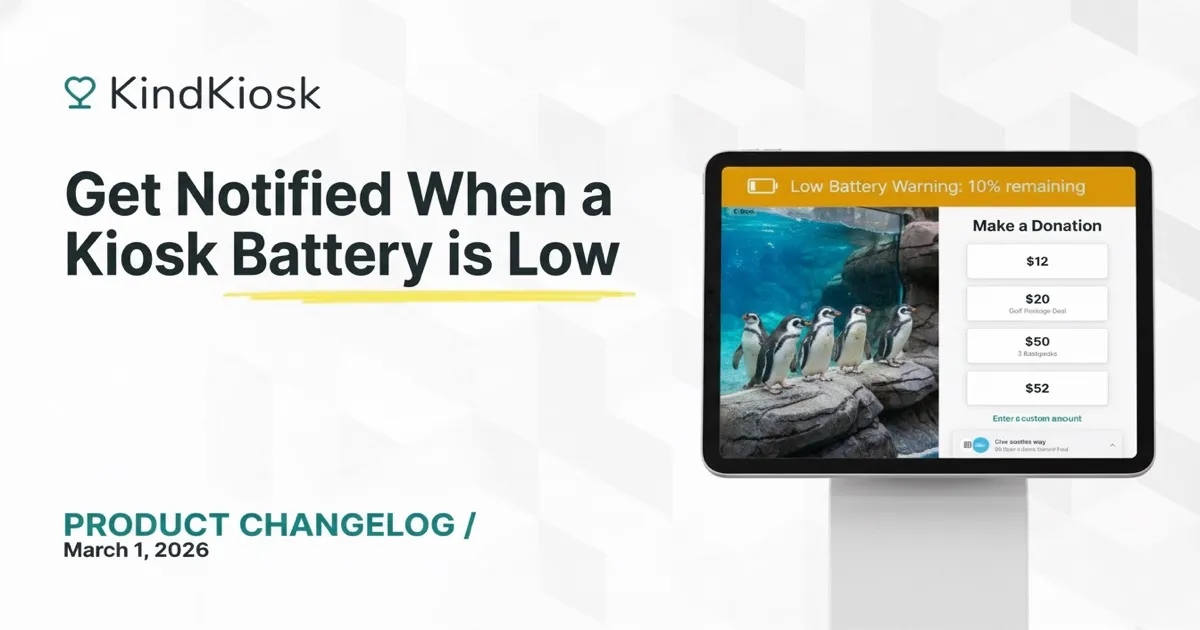
You'll now receive an email whenever one of your Kiosks has a low battery. No more surprises during events or busy weekends. What is the behavior like? When the battery on your kiosk reaches 10%, we w
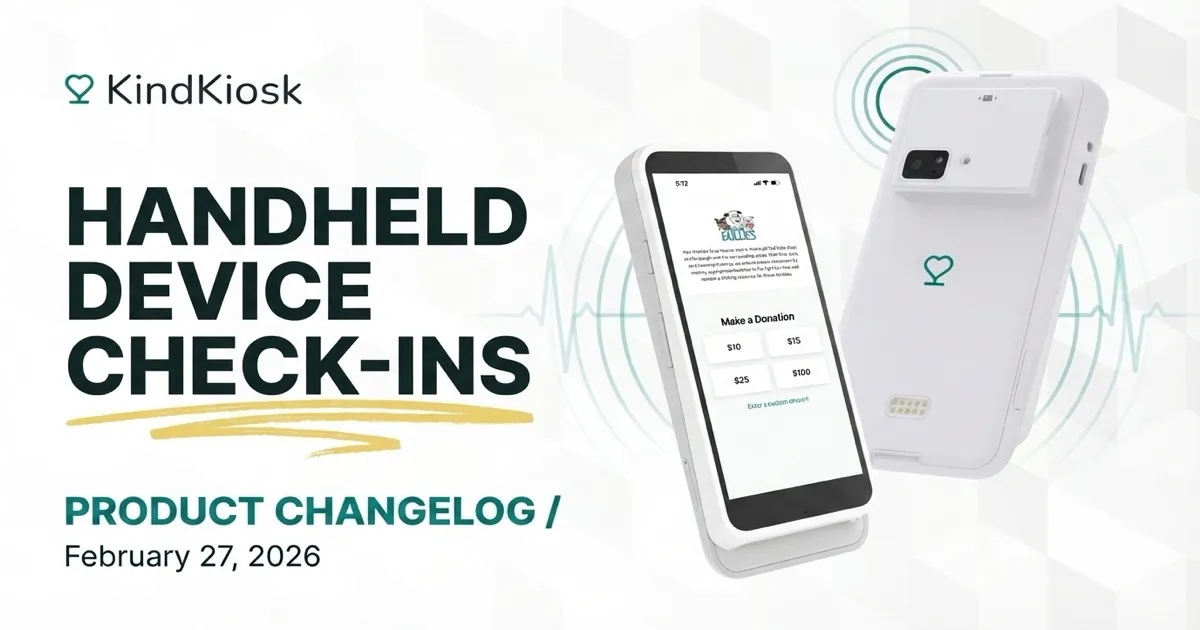
Handheld Devices now send back periodic status updates. This gives you better visibility into whether your handheld devices are online and working correctly right in the Kiosks section on the dashboar
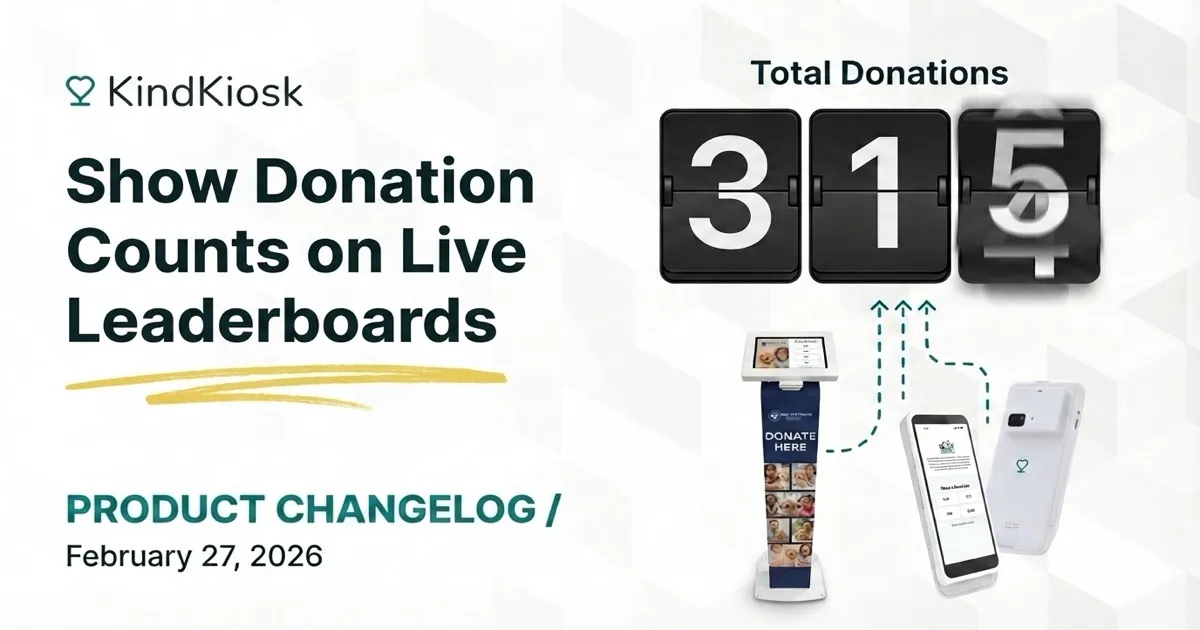
You can now display how many donations have been made towards a campaign directly on the live leaderboard. Toggle this on from the Leaderboard settings in your Dashboard.
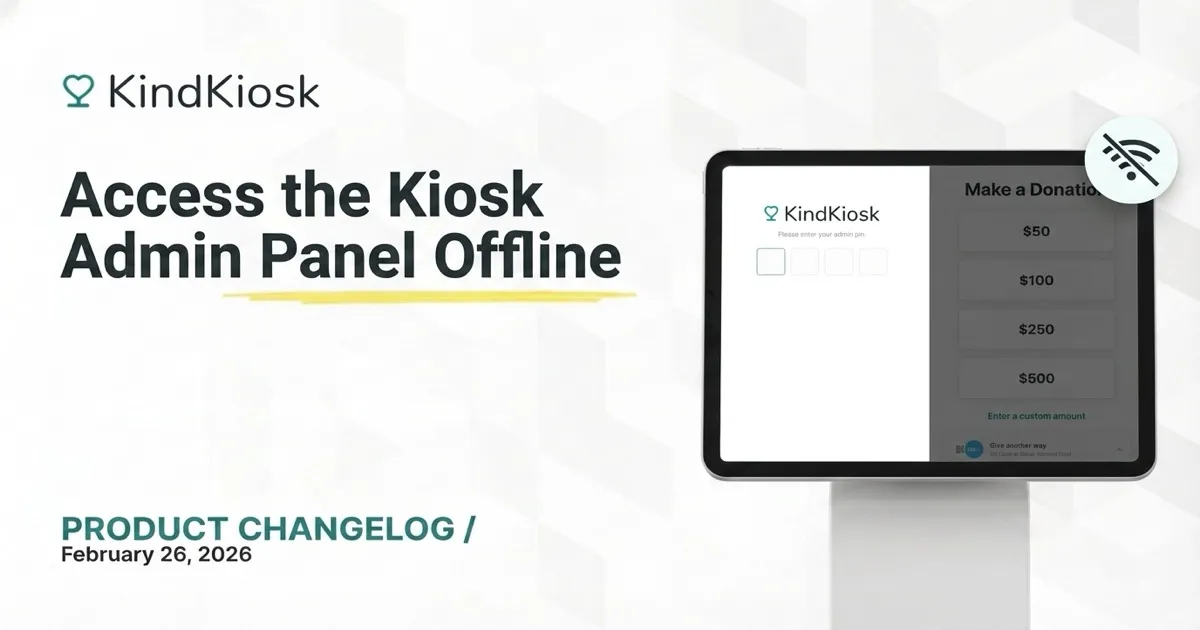
The admin PIN on your Kiosk now works even without an internet connection. This can be helpful if you need to disable/enable kiosk mode to join a wifi. To do that from the kiosk, you need to open up t
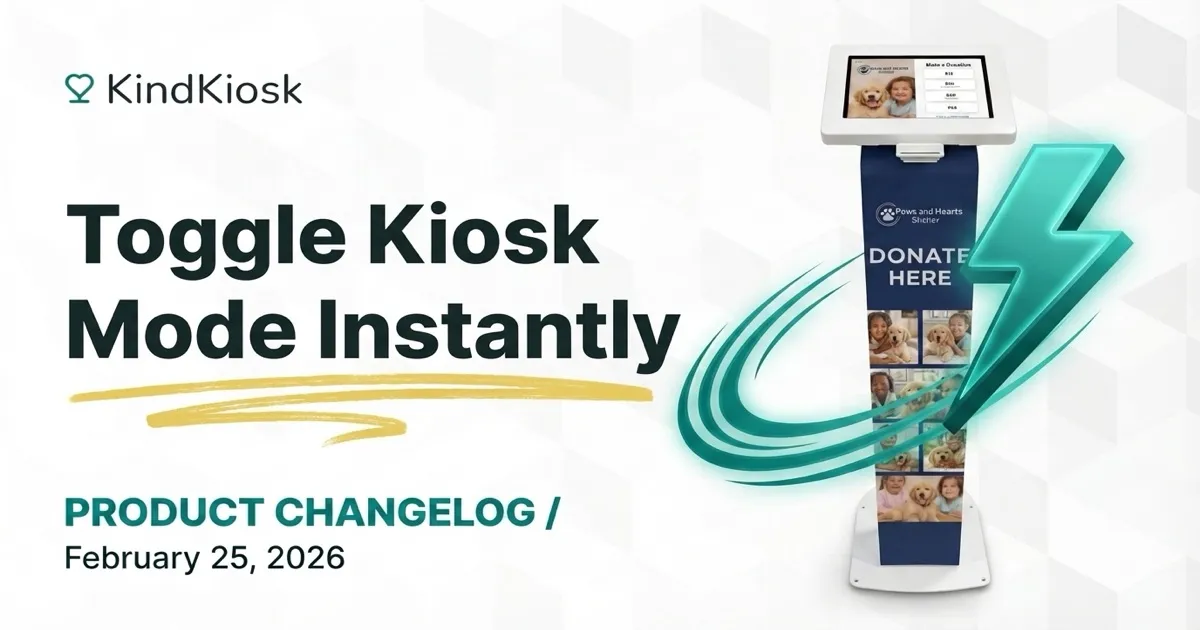
Kiosk mode can now be toggled on and off instantly, even without an internet connection! This makes it easier to manage your Kiosks if you are preparing for an event and need to quickly join a wifi wi
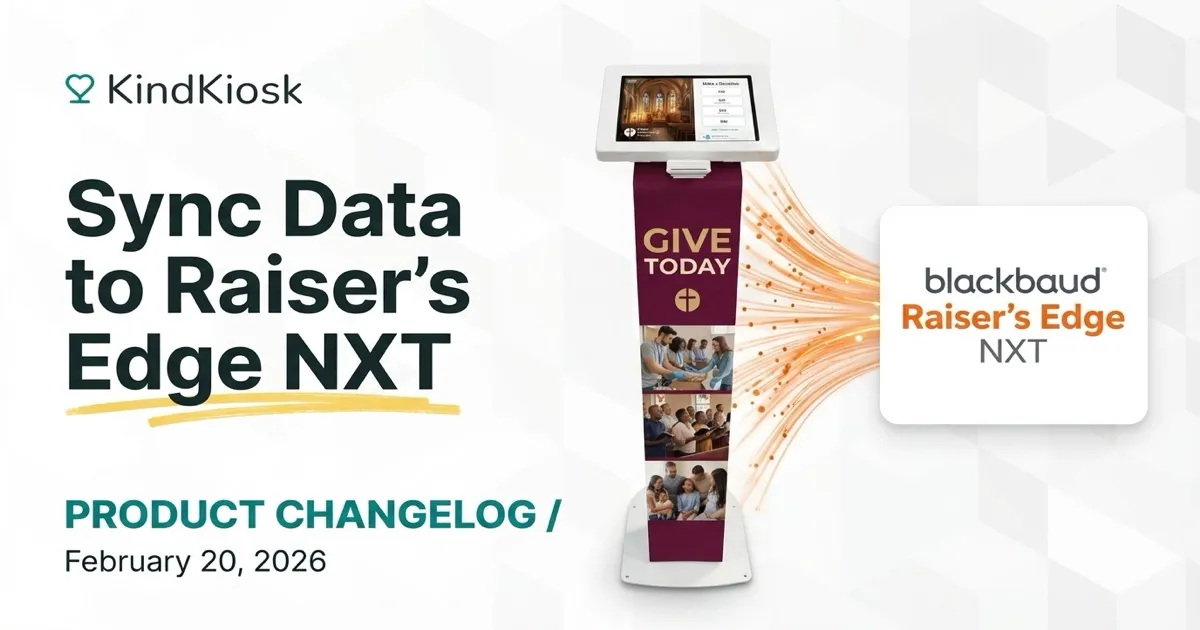
We're excited to announce one of our most requested features - Raiser s Edge NXT integration! With this integration connected, all Kiosk data flows to Raiser s Edge in real-time for your approval. Syn
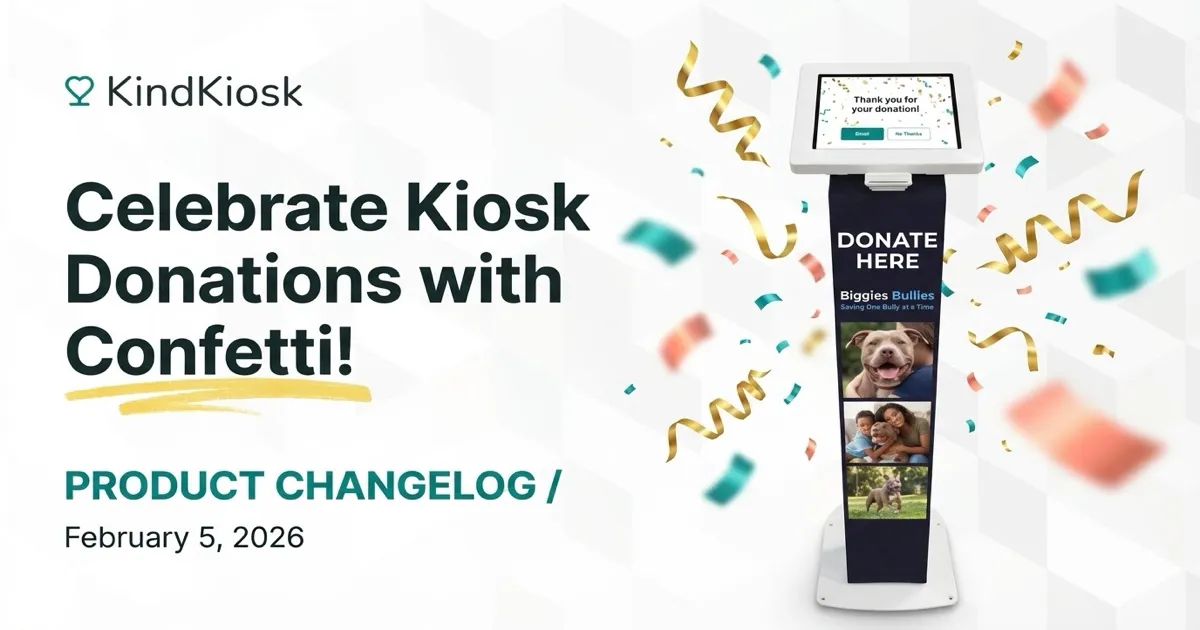
We've added a fun confetti animation to your Kiosk when a donation is completed. Sometimes, you just need to make things more fun! Stay tuned for more donation visualizations soon. Have an idea? Let u
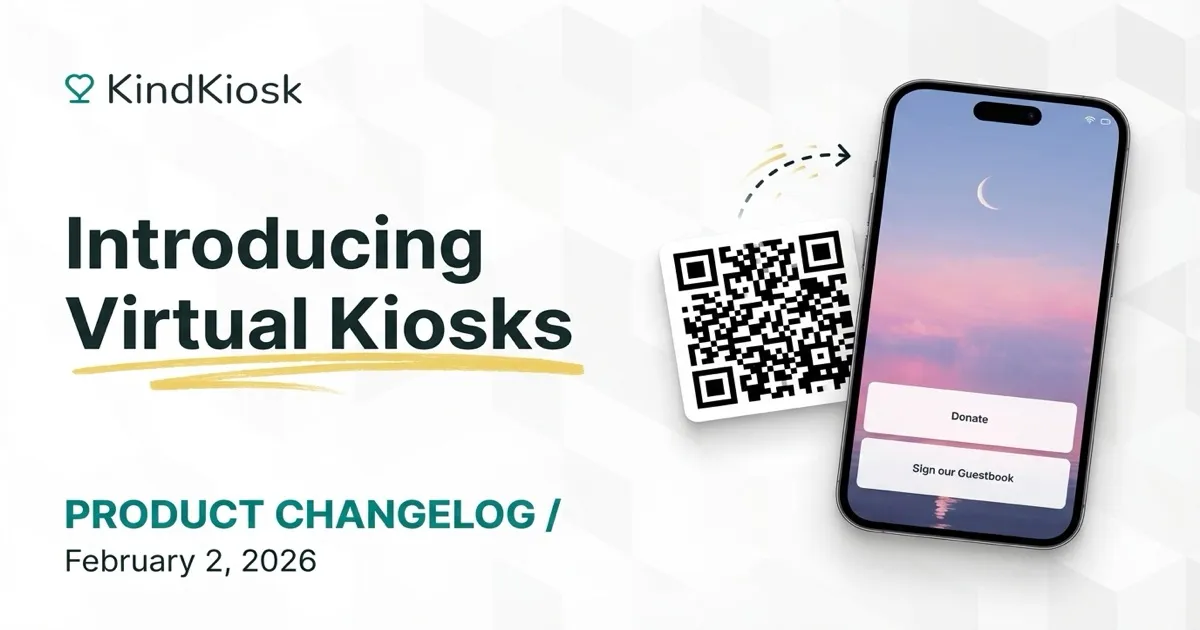
Virtual Kiosks are now available in beta. With Virtual Kiosks, you can use a QR code to launch a web-version of the Kiosk. This allows you to launch multiple donation flows or a custom workflow from a
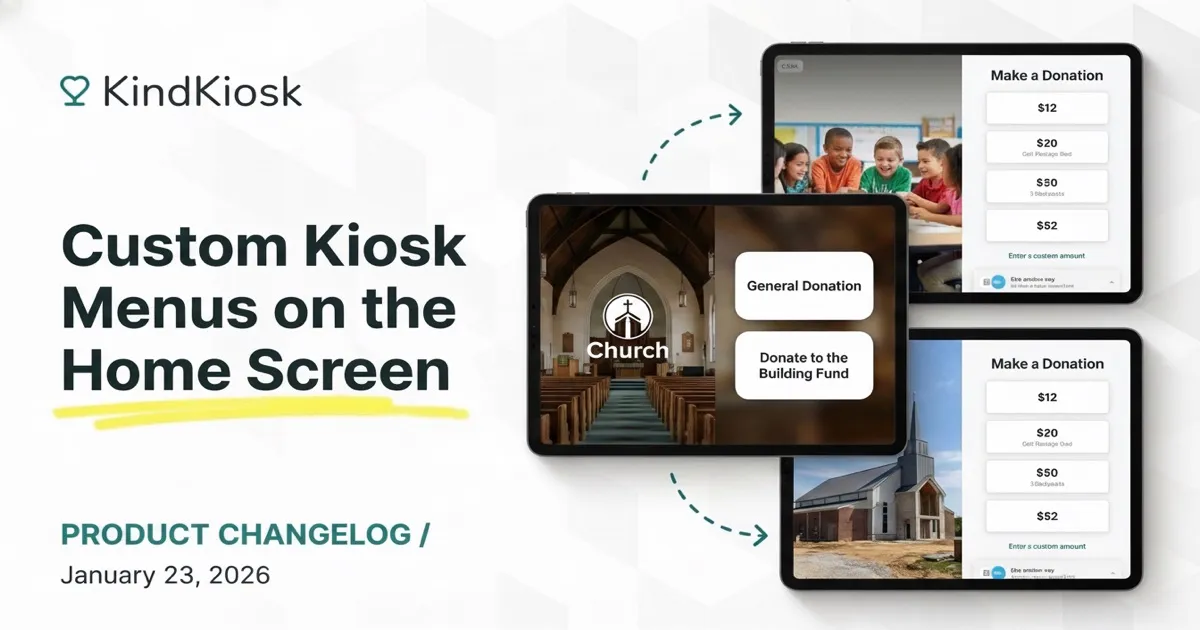
When multiple workflows are enabled for a configuration, we've always shown a main menu on the kiosk. We're excited to take this feature significantly further by giving organizations greater control o
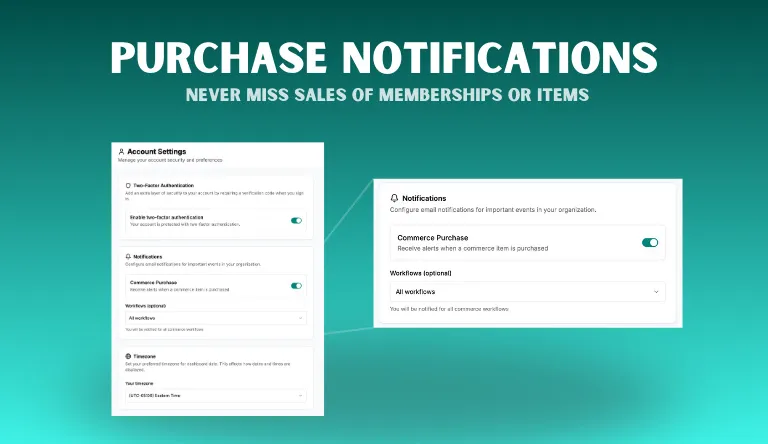
Want to know when someone purchases a membership or another one of your Commerce Workflow items? We just added a notifications panel to account settings to do just that! You choose the workflow(s) By
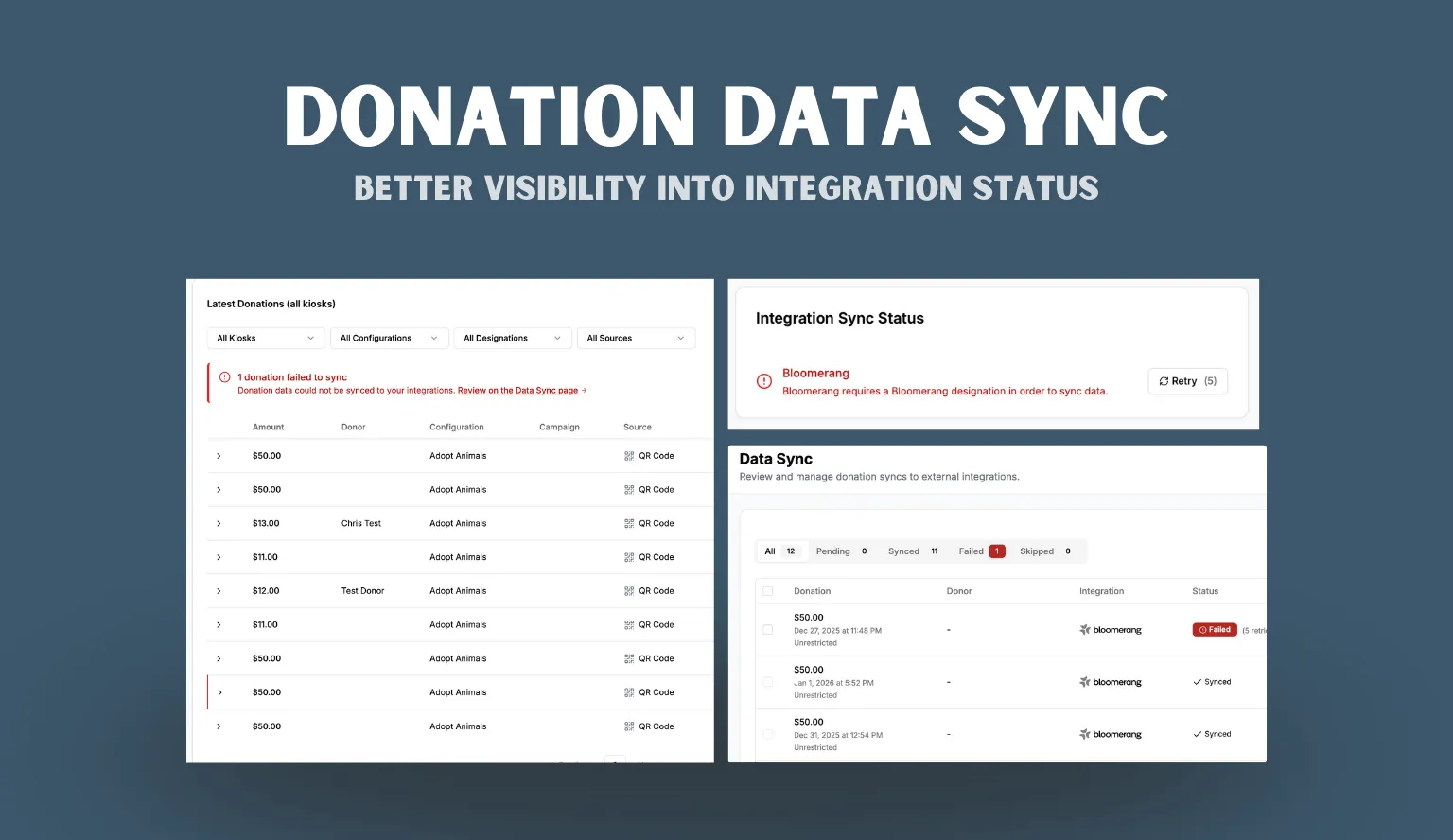
We're starting off 2026 with an update to our integration data flow. Data Sync Page If you've enabled an integration that syncs data (like a CRM), you'll now be able to see all data that is being sync
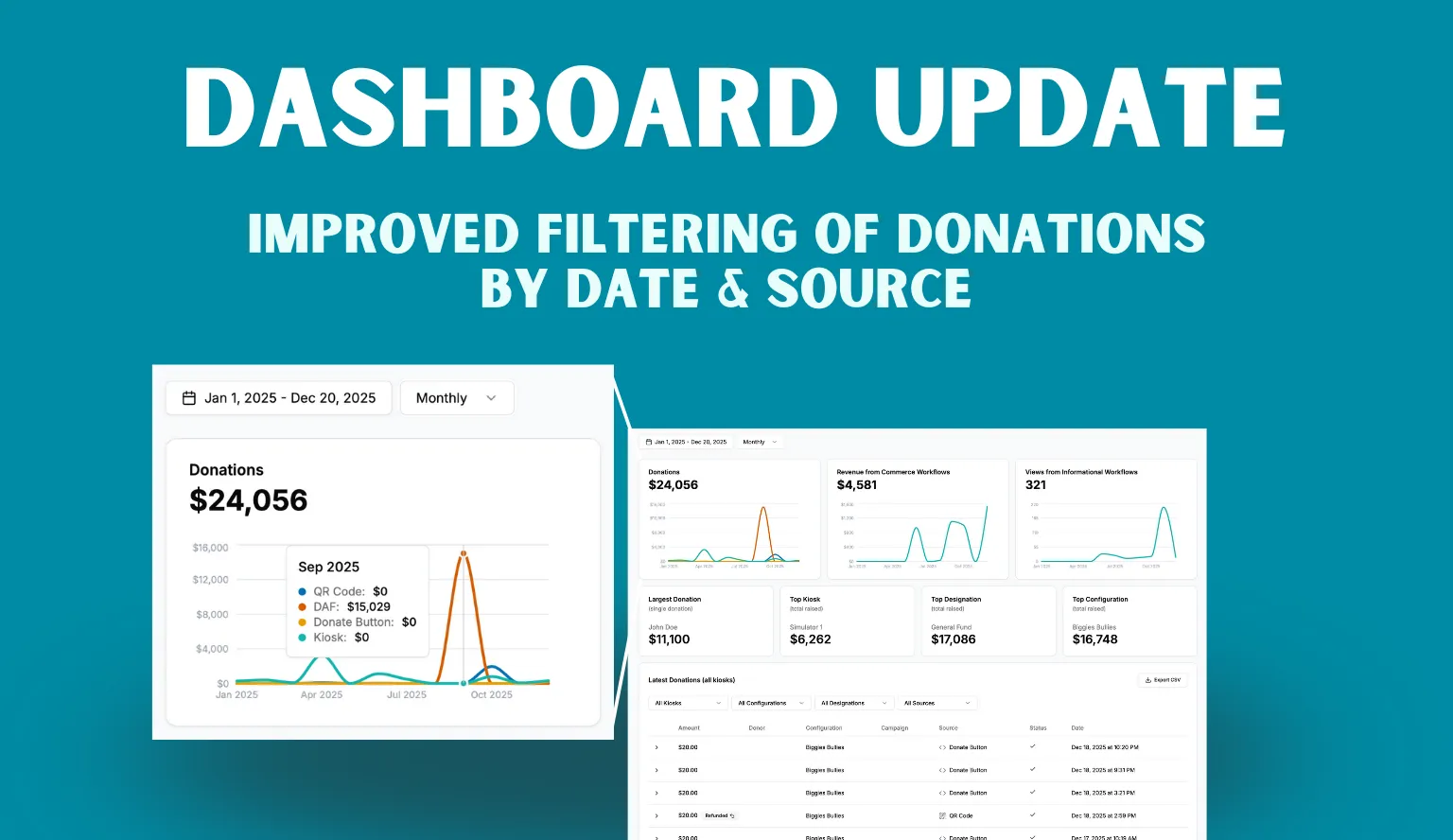
We just shipped some updates to our dashboard to help with reporting and to help you better understand donation amounts from all sources, not just Kiosks. Improved Date Filter with Granularity Our das
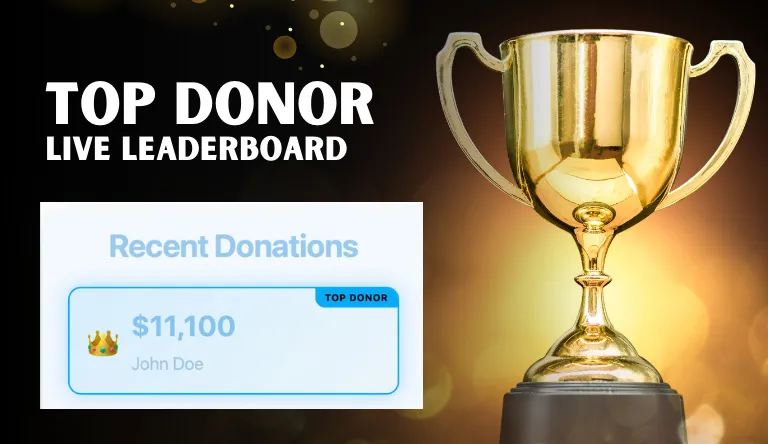
Our Live Leaderboard just got a new feature! If you'd like to create a friendly competition and gamify your next event, you can now highlight the top donor. When enabled, we'll show the top donor in t
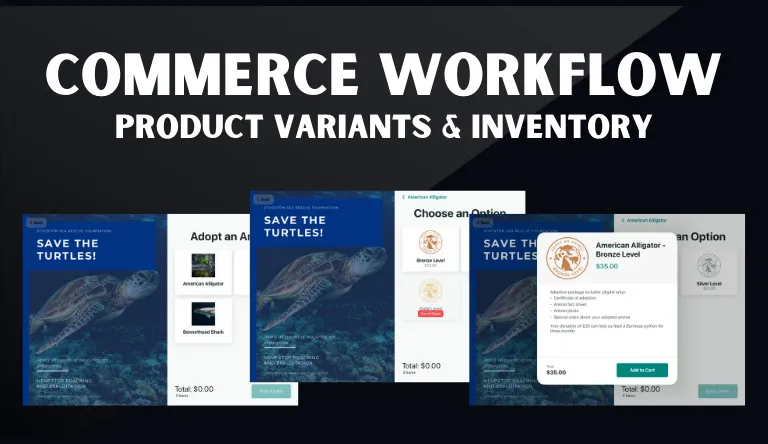
The Commerce Workflow is often used to sell memberships or physical items. We're excited to announce the ability to add product variants and basic inventory tracking so you can take the Commerce Workf
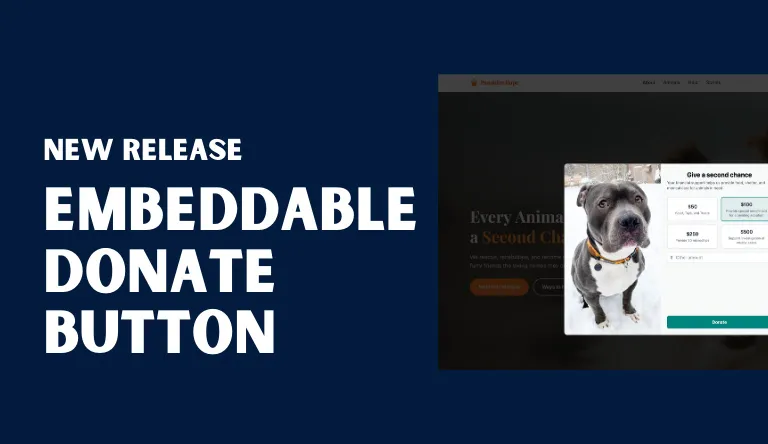
Kind Kiosk has always included a QR code donation flow in addition to the kiosk. Our QR code donations allow you to take donations with Apple Pay, Google Pay, or credit card. We're excited to bring ou
Subscribe to get notified when we ship new features and improvements.
Max of two emails per month.
You're subscribed!