
elevates in-person fundraising.
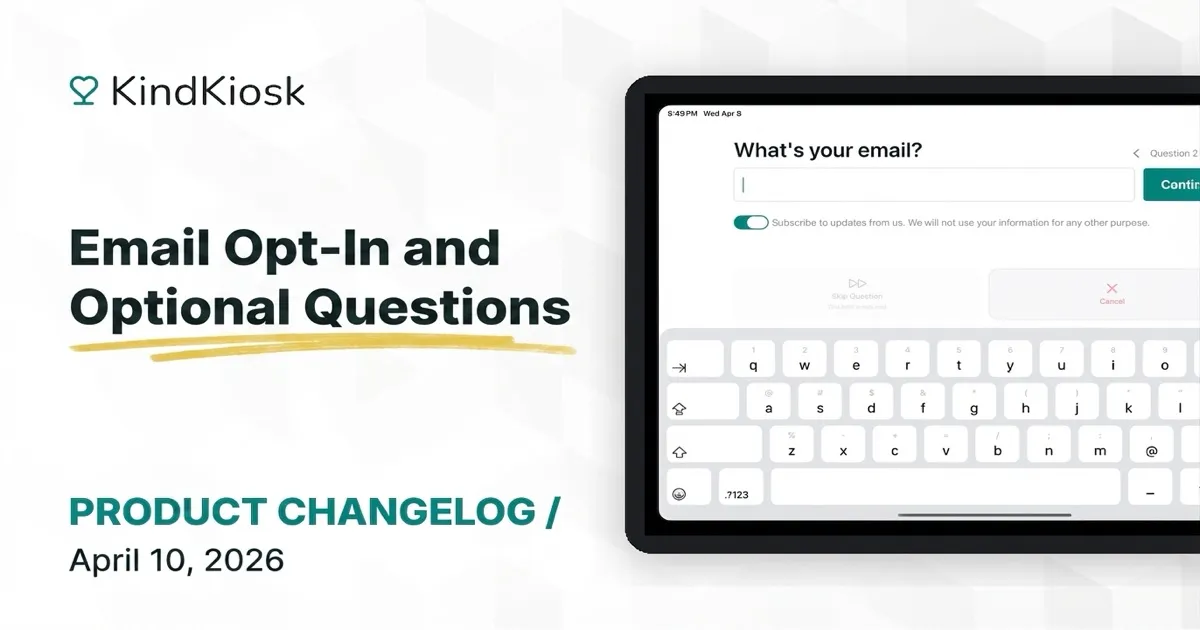
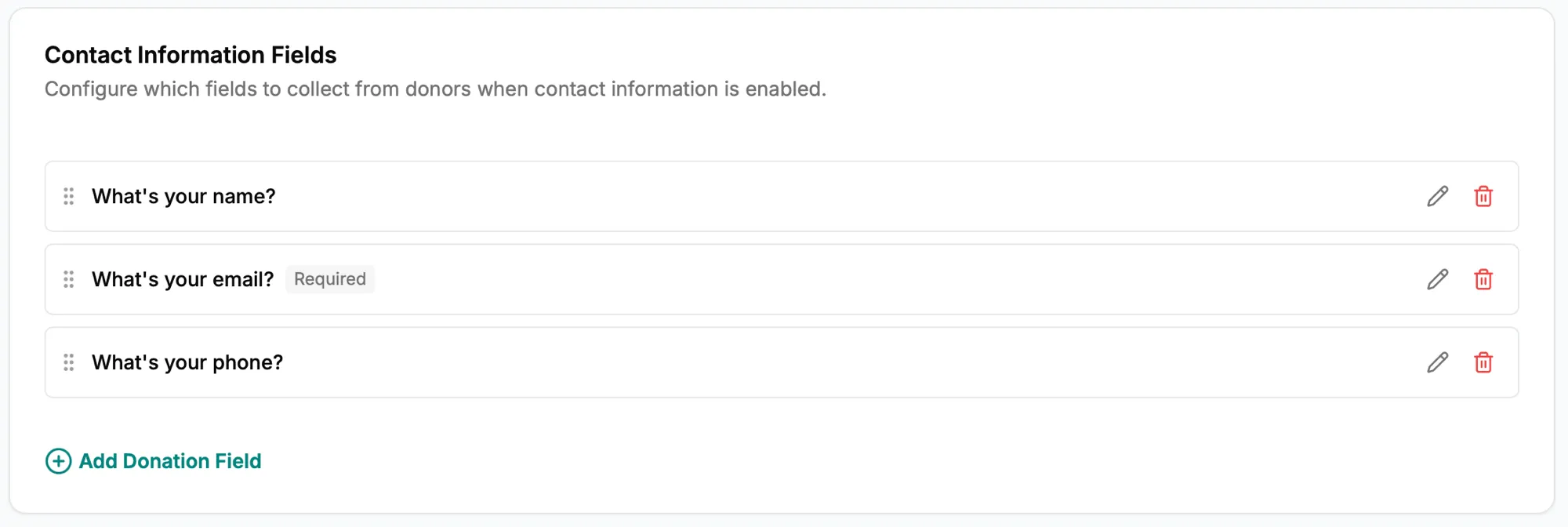
You now have more control over the questions your donors see during the donation process. Choose which fields are required, and which are optional. All existing questions have been marked as required, matching the previous behavior.
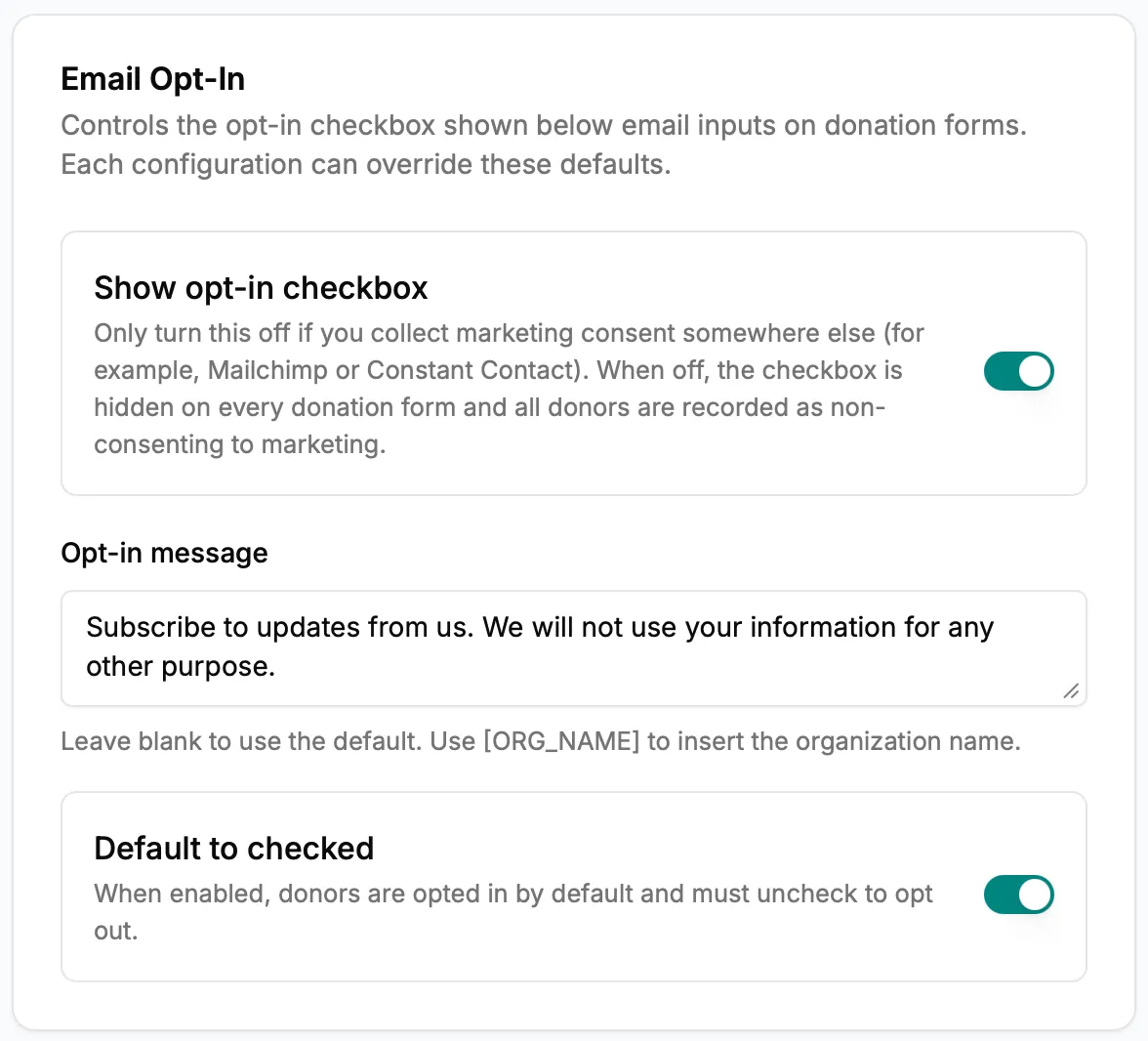
Email inputs now automatically add an opt-in checkbox for QR Code donations and toggle switch for kiosk or handheld flows. You're in control of the messaging, default state, or even if the opt-in shows.
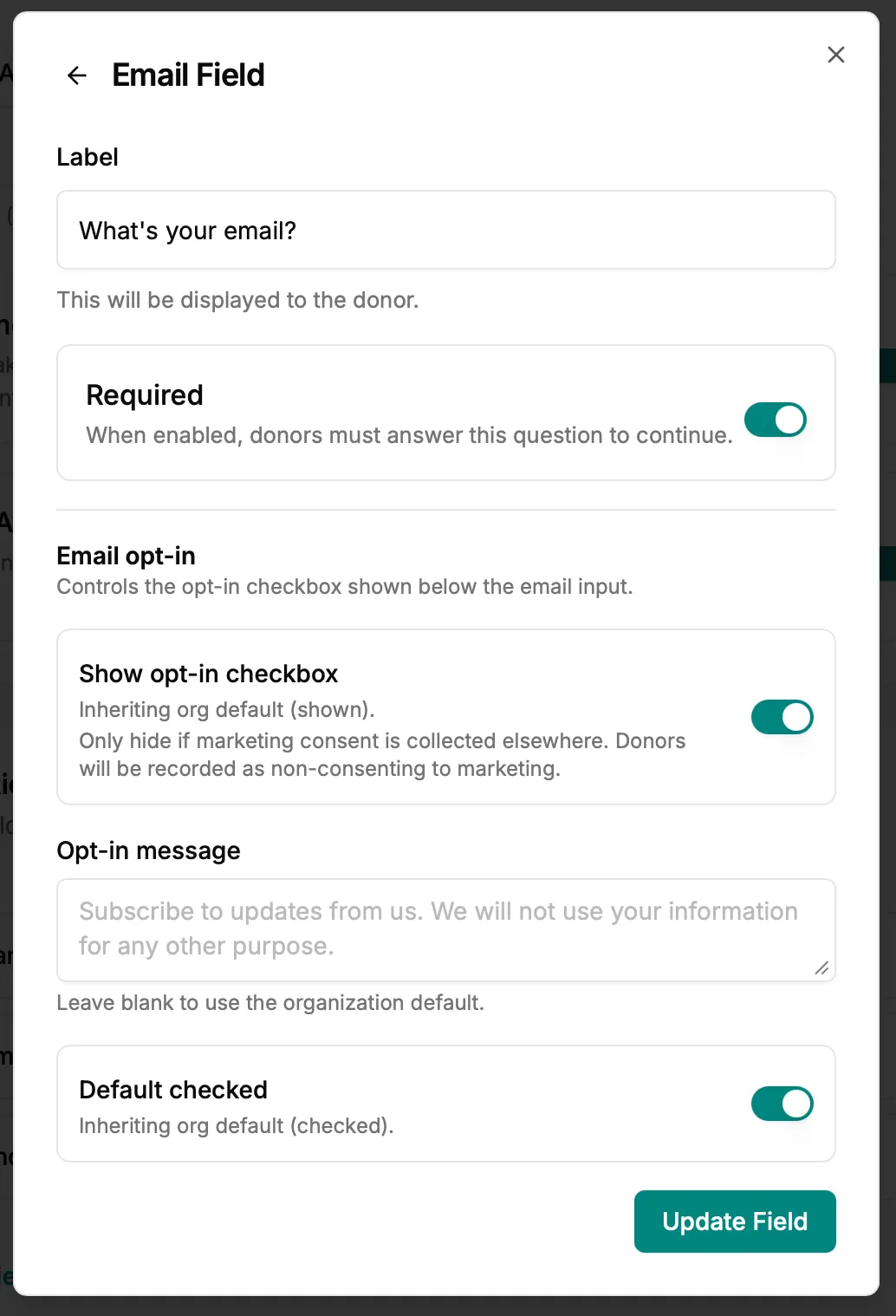
You can also override the default email opt-in settings on a per-configuration basis, making it easy to tailor the specific language for your exact use case.
Subscribe to get notified when we ship new features and improvements.
Max of two emails per month.
You're subscribed!