
elevates in-person fundraising.
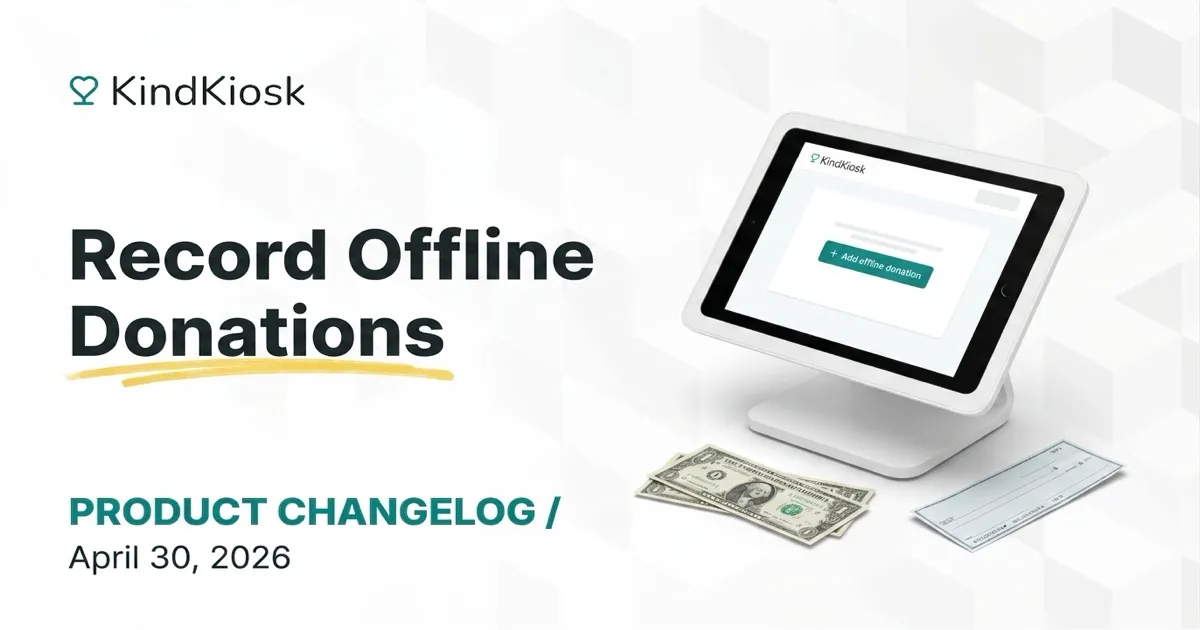
Not every gift comes through a kiosk. You collect cash at the door, take a check at a pop-up table, or write down a pledge from a major donor. Until now, that money either lived in a separate spreadsheet or got logged straight into your CRM. Either way, it never showed up on the Live Leaderboard running at your event.
Now you can record those gifts right from the dashboard, alongside everything else.
A new Add offline donation button on the donations list opens a quick-entry dialog. Pick the configuration, designation, and campaign, enter the amount, and save. The donation lands in your list immediately with an Offline badge in the source column.
Most offline gifts come from people who have given before. Toggle Add donor information and an autocomplete searches your organization's existing donors as you type. Select one and the email auto-fills, so the gift attaches to the right donor record. Typing a name that doesn't match anyone? ChooseUse as new donor and a fresh donor record is created on submit.
We save the last values you use, so if you're at an event, you can quickly input multiple gifts that all use the same configuration or campaign.
Offline donations inherit the configuration's campaign or can specify a different one if needed. Run a single Live Leaderboard at your event whether donors tap a card, write a check, or hand you a pledge card.
If you have a CRM integration connected, you've probably already logged offline gifts there. Offline donations skip CRM sync entirely, so you won't end up with duplicate records.
Need to fix an entry? Offline donations don't support editing, but they can be deleted and re-added.
If your organization is small or doesn't use a donor CRM, offline donations let you keep everything (kiosk, cash, check, pledge) in one place inside Kind Kiosk. Filter by source, export to CSV, and your event totals stay accurate without a separate spreadsheet.
Subscribe to get notified when we ship new features and improvements.
Max of two emails per month.
You're subscribed!