
elevates in-person fundraising.
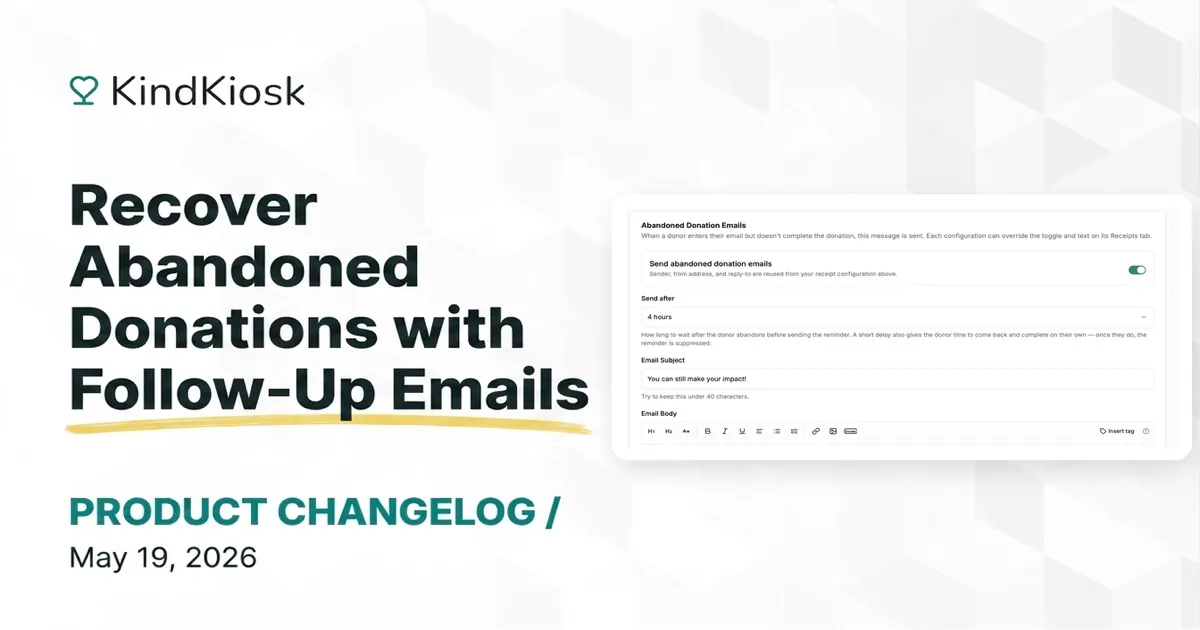
Donors sometimes enter their email, pick an amount, and then never finish. Maybe their child ran off across the lobby, or the event pulled them away mid-gift. Until now, those partial gifts disappeared.
With abandoned-donation recovery, Kind Kiosk automatically sends a fully customizable, friendly follow-up email to supporters who started a donation but didn't complete it, with a one-click link straight back to the same flow so they can finish in seconds.
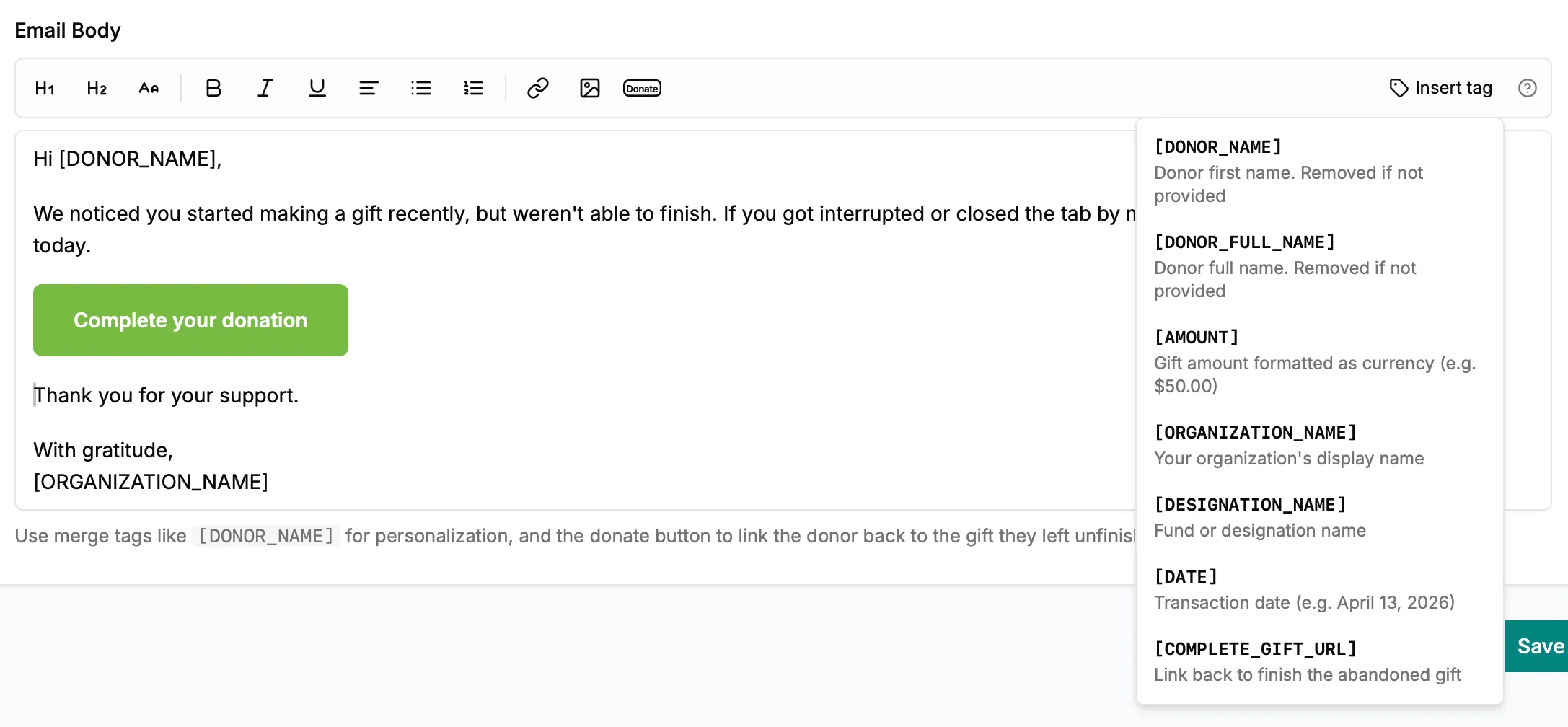
The follow-up email is yours to write. Merge tags personalize each message with the donor's name, the gift amount, your organization's name, the fund or designation, and the transaction date. The Donate button control drops in a "Complete your donation" button that links the donor straight back to the gift they left unfinished.
Subscribe to get notified when we ship new features and improvements.
Max of two emails per month.
You're subscribed!