
elevates in-person fundraising.
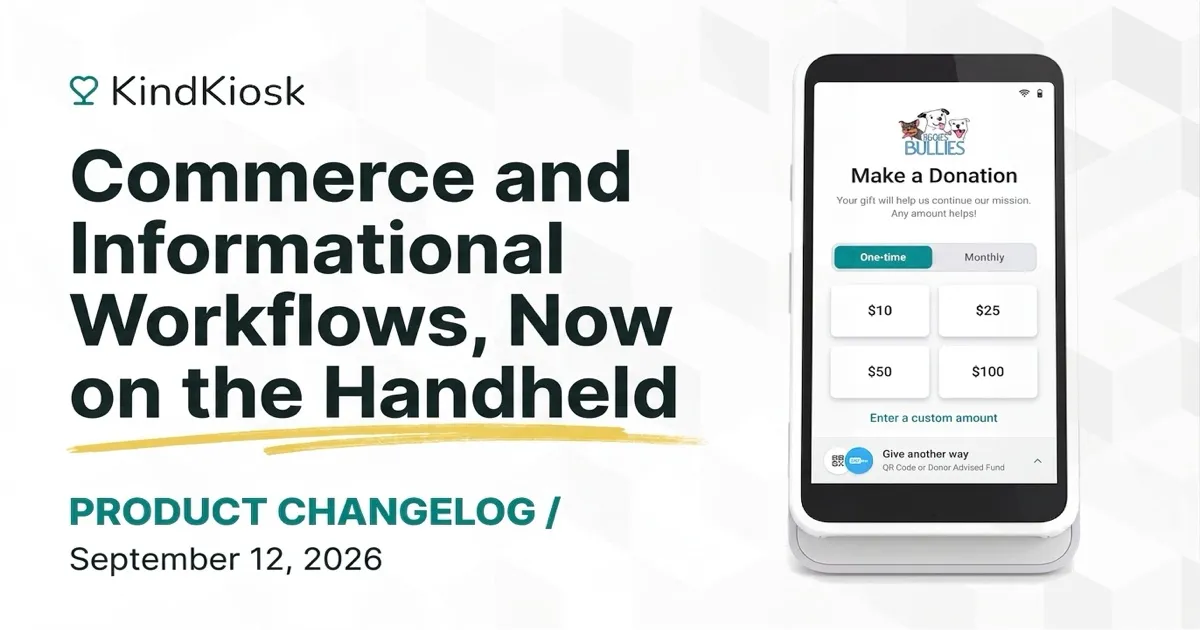
Your handheld kiosk can now run commerce workflows, so staff can sell merch, tickets, and concessions anywhere in the room with the same tap-to-pay checkout as the tablet. Add a commerce workflow to the handheld's main menu and it shows up next to your donation buttons.
Customers browse a two-column grid of your products, pick an option when an item has variants, and choose a quantity. A running total stays at the bottom of the screen, and the order review lets them adjust quantities or remove items before paying. If an item has sold out since the screen loaded, the handheld tells the customer and updates the order before charging the card.
Promo codes, minimum purchase amounts, required contact details, and the option to ask customers to cover transaction fees all carry over from your workflow settings. Product descriptions keep their formatting, so bold text and bullet lists read the same as they do on the tablet. After paying, customers can have a receipt emailed to them, and the receipt uses the same purchase wording as tablet sales.
Any informational workflow you add to the handheld's main menu now opens full screen on the device, just like it does on the tablet. Sign-in sheets, mailing list forms, and guestbooks all work from the handheld, and views show up in your dashboard alongside tablet visits.
Subscribe to get notified when we ship new features and improvements.
Max of two emails per month.
You're subscribed!