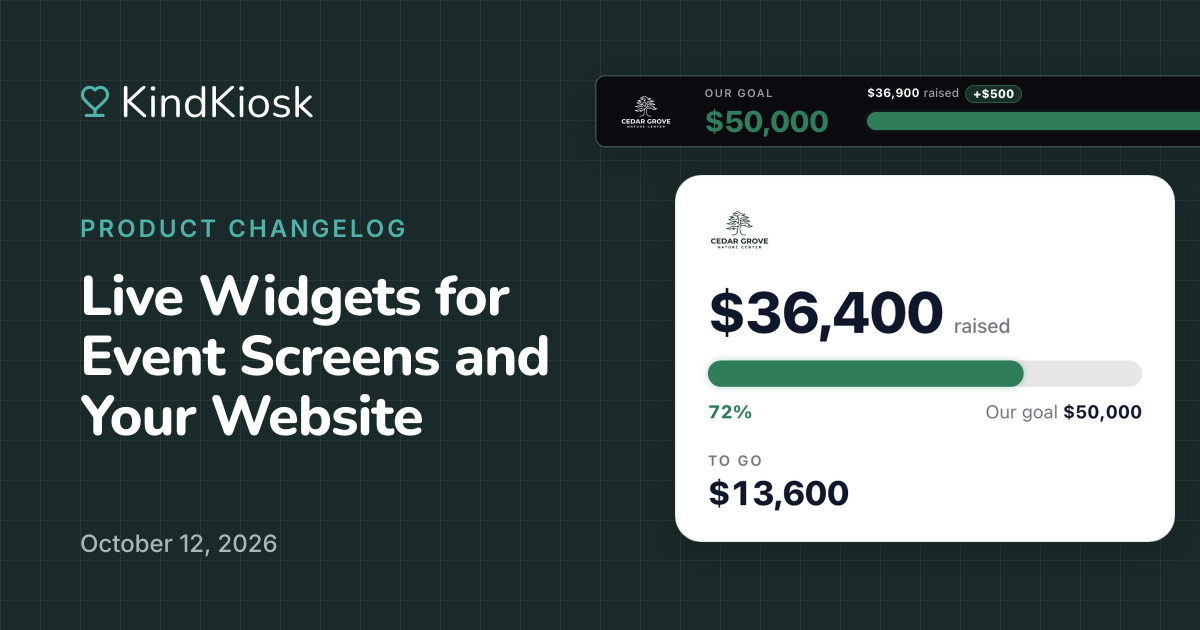
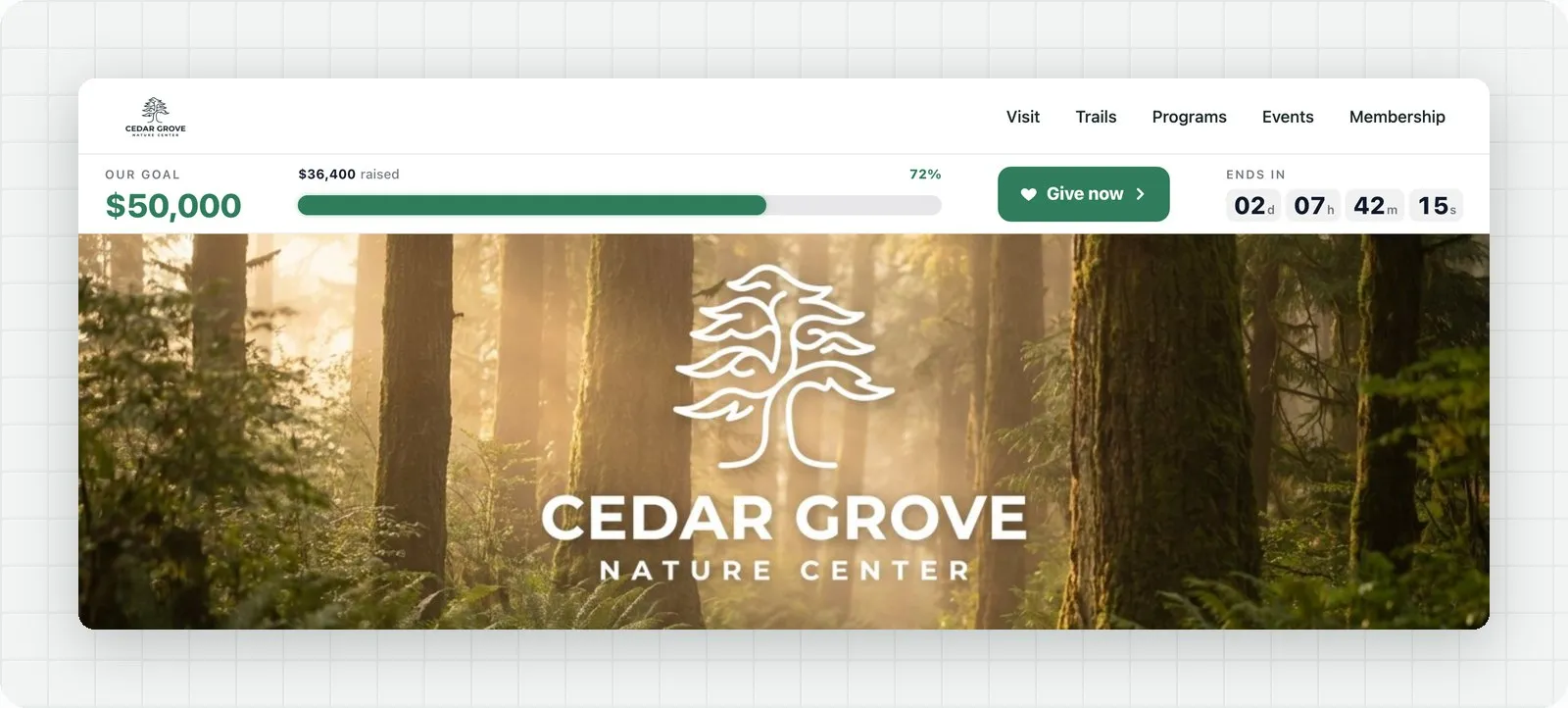
Put your campaign's progress wherever donors are looking. Live widgets show your goal and a progress bar on your event screen or website, and they update the moment a gift comes in. Create one in your dashboard under Live Displays, then Widgets.
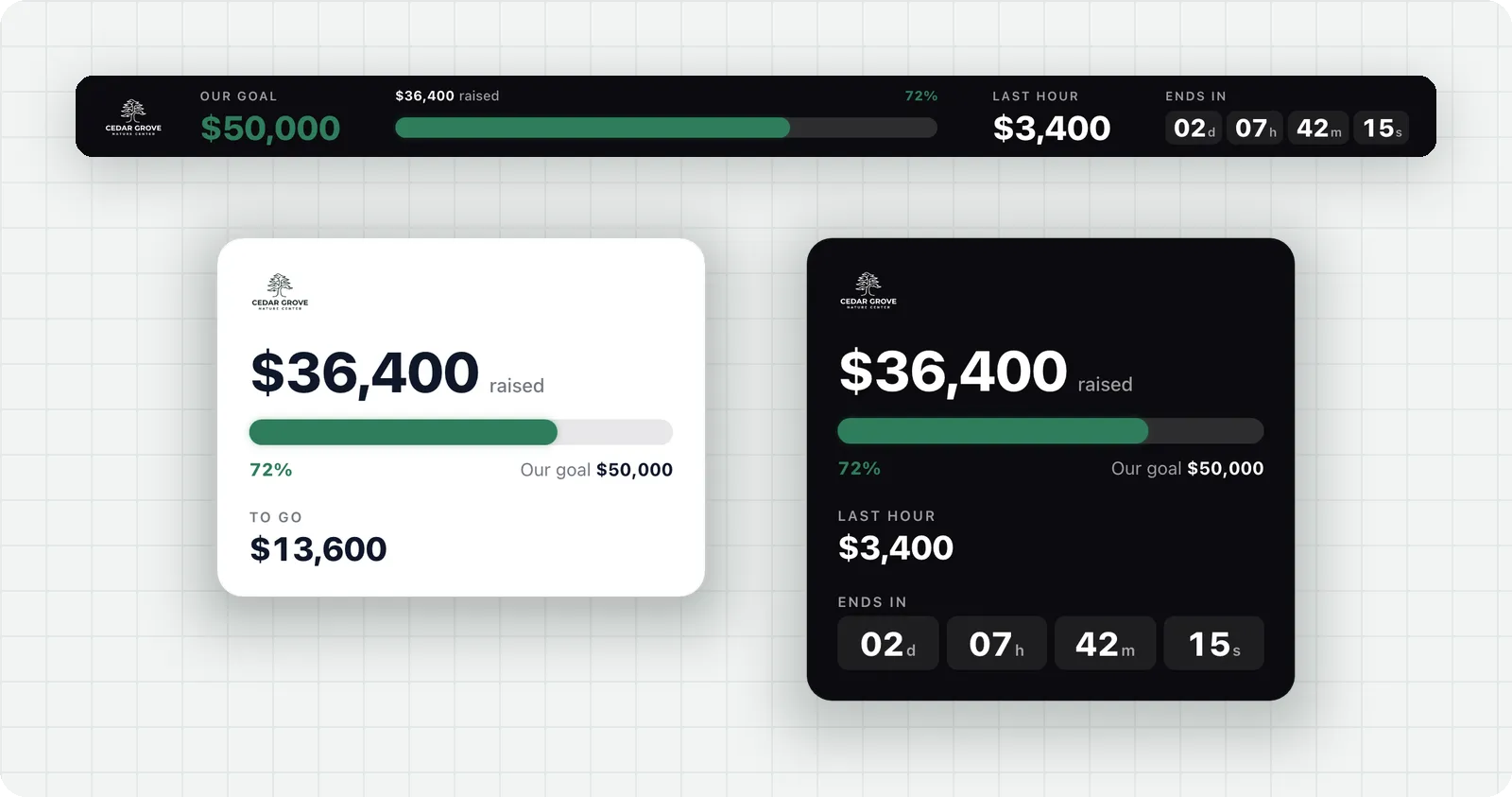
Run a bar across the top of a screen or web page, or place a card in a sidebar or on a vertical display. Both show your logo, use your brand color, and come in a dark or light theme. You can also pick your own colors for the progress bar, the goal, and the Give button. On a phone, the bar slims down to the progress bar so it never crowds the page.
When a gift comes in, the total counts up and a badge like "+$500" pops up beside it. Gifts that arrive close together add up in one badge, so a rush of giving lands as one big moment.

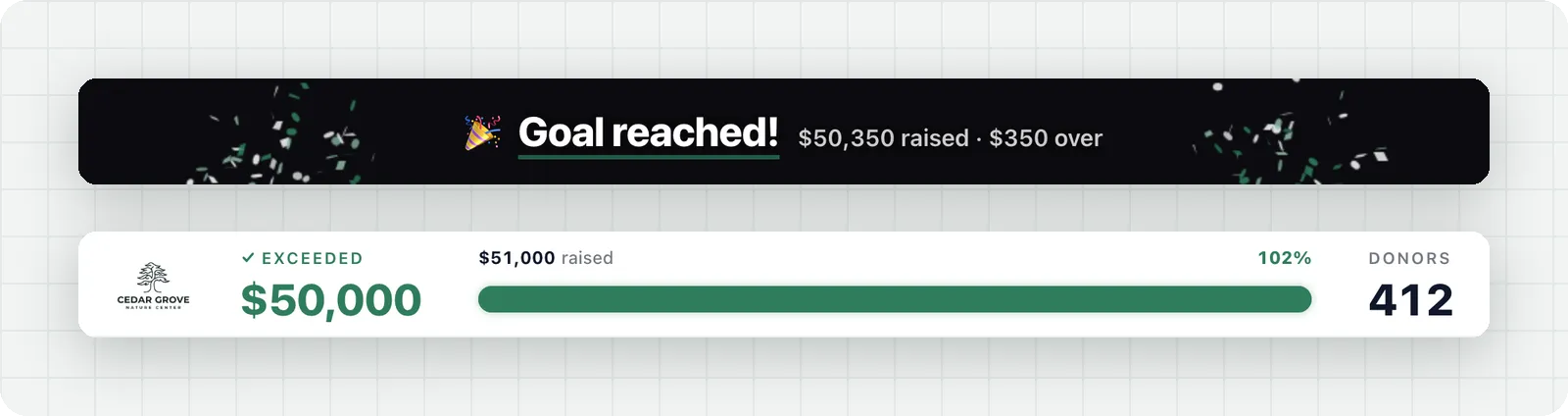
The gift that carries you past your goal sets off confetti and a "Goal reached!" message for everyone watching. From then on, the widget shows how far past the goal you are, and every new gift gets its own "Goal exceeded!" celebration.
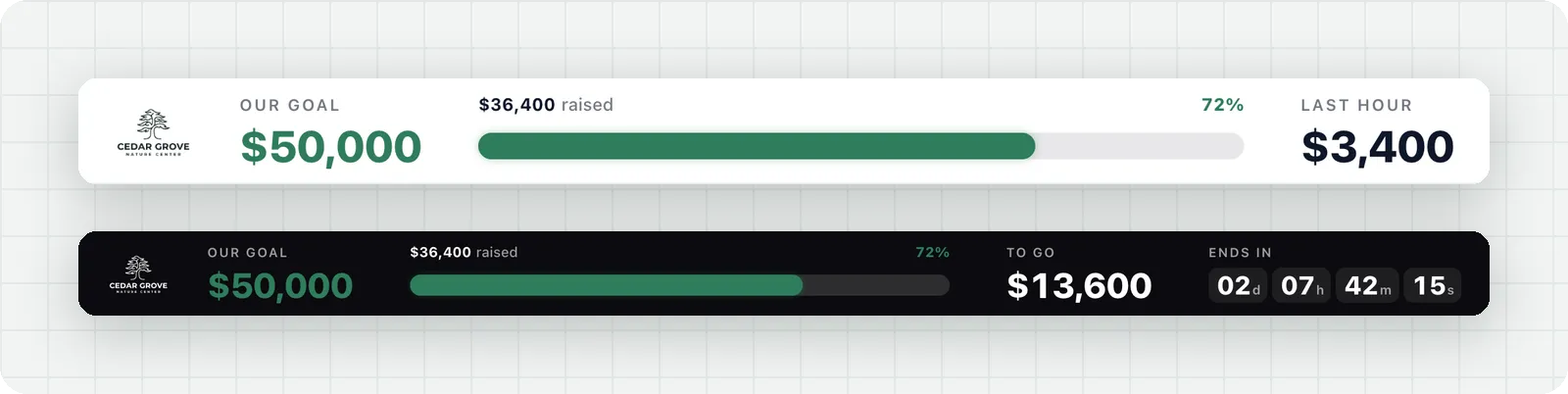
A rotating spot cycles through what's happening right now: how much came in during the last hour, how much is left to reach your goal, and how many donors have given. Turn on the countdown to show the days, hours, minutes, and seconds until your campaign ends.
Add a short loader to your website once, then drop a placeholder wherever a widget should go, even several on one page. The bar sits below your own header, and visitors get a Give now button that opens your donation page.
At a live event, add the widget's link as a browser source in the software that runs your screen. The dashboard preview shows how it looks on wide screens, tablets, and phones, and lets you play a gift or the goal moment before you share it.
Subscribe to get notified when we ship new features and improvements.
Max of two emails per month.
You're subscribed!