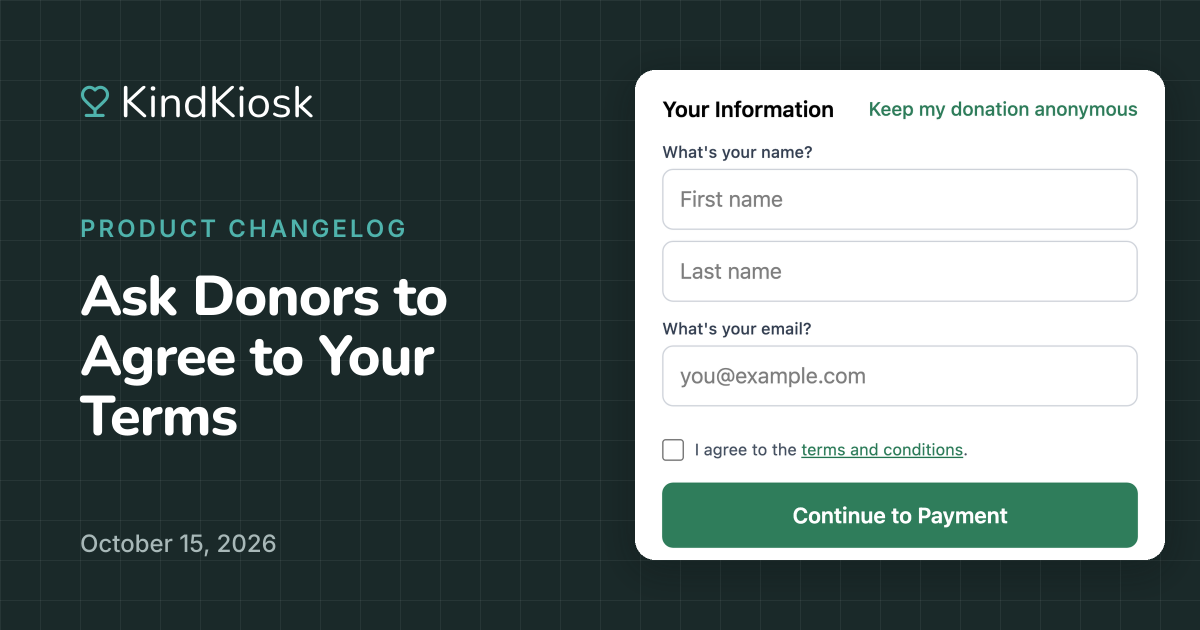
If your organization requires donors to agree to your terms before they can give, or you want your terms easier to see during a donation, you can now turn on Agree to Terms. It shows your wording when collecting information at your kiosks and on your QR code donation page, and the link opens your terms right there without leaving the donation. It's optional and off until you turn it on under Settings, then Donations.
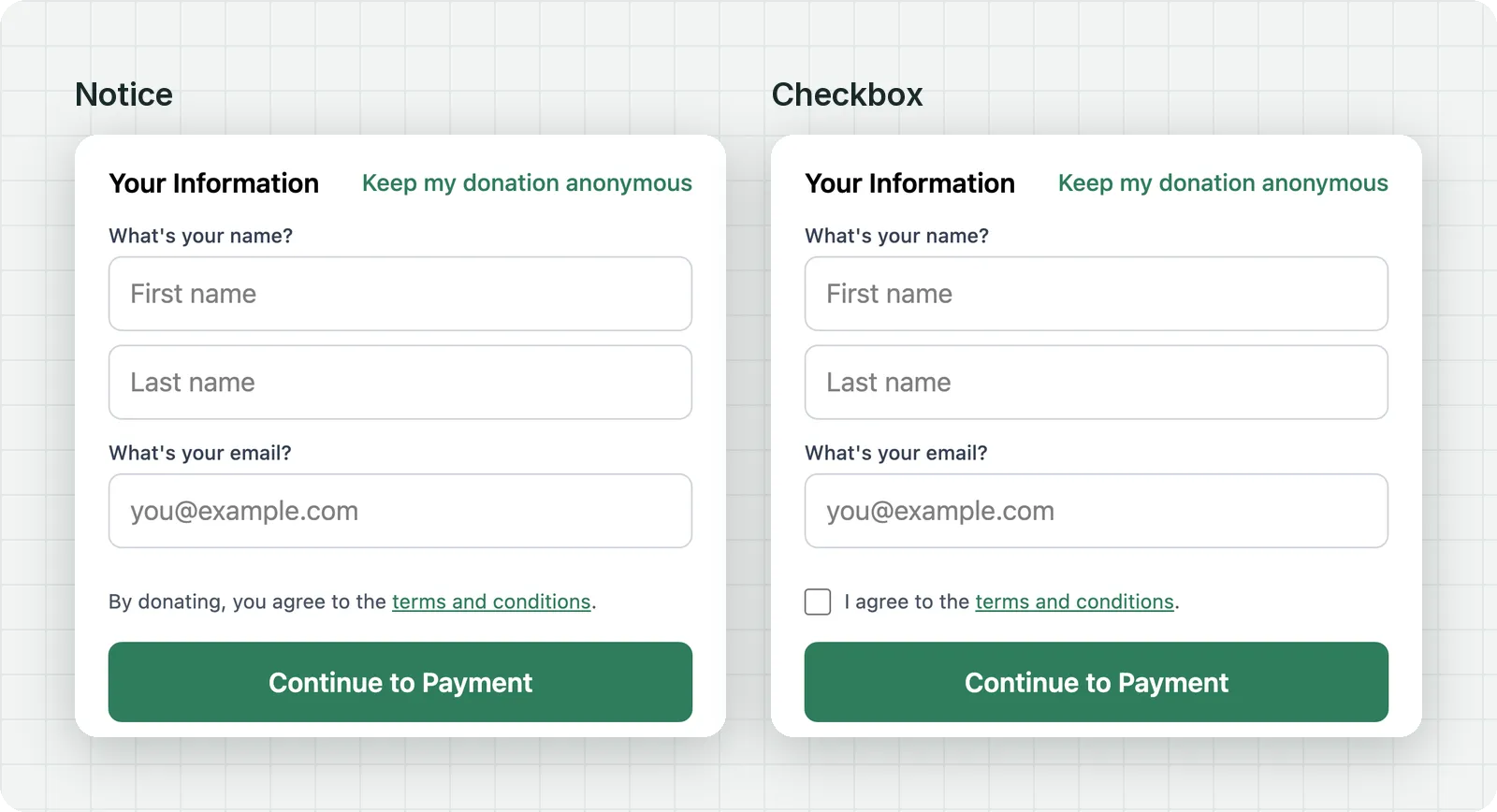
Choose how donors agree. A notice is a single line, like "By donating, you agree to the terms and conditions," and asks nothing extra of the donor. A checkbox has to be ticked before the donor can pay, and it's never pre-checked. On the web, Apple Pay and Google Pay wait for the box too. On a kiosk, agreeing gets its own step right before payment.
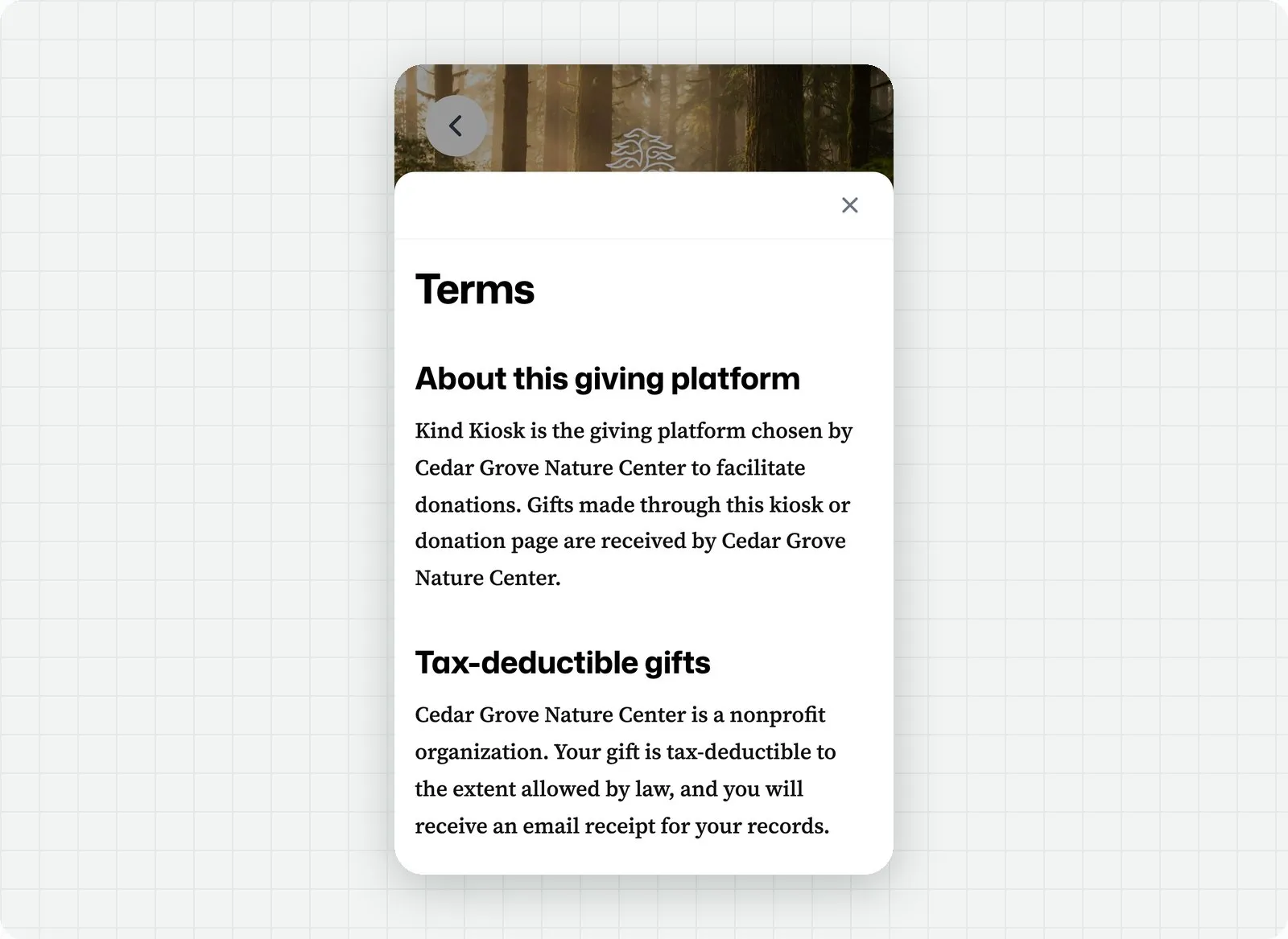
Write the sentence yourself and link the words of your choice to your terms. We host your terms page, so it matches the look of the kiosk and the donation page and is always available when a donor taps the link. It opens in a panel over the donation, so donors read it and pick up right where they left off. Contact us to set up your terms page.
Subscribe to get notified when we ship new features and improvements.
Max of two emails per month.
You're subscribed!