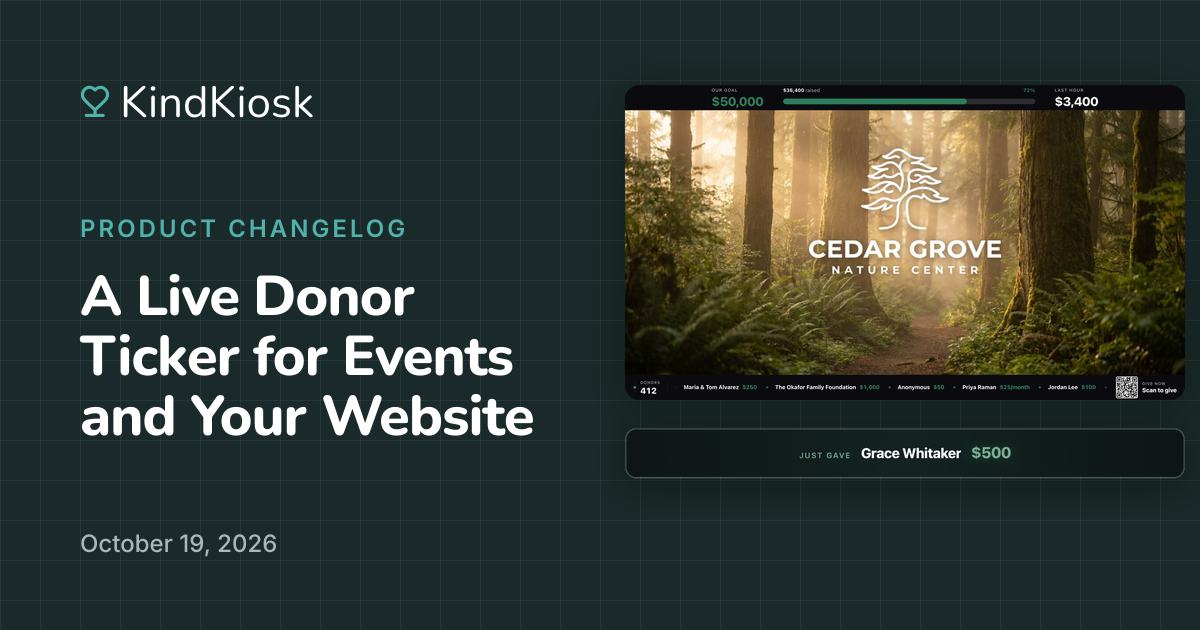
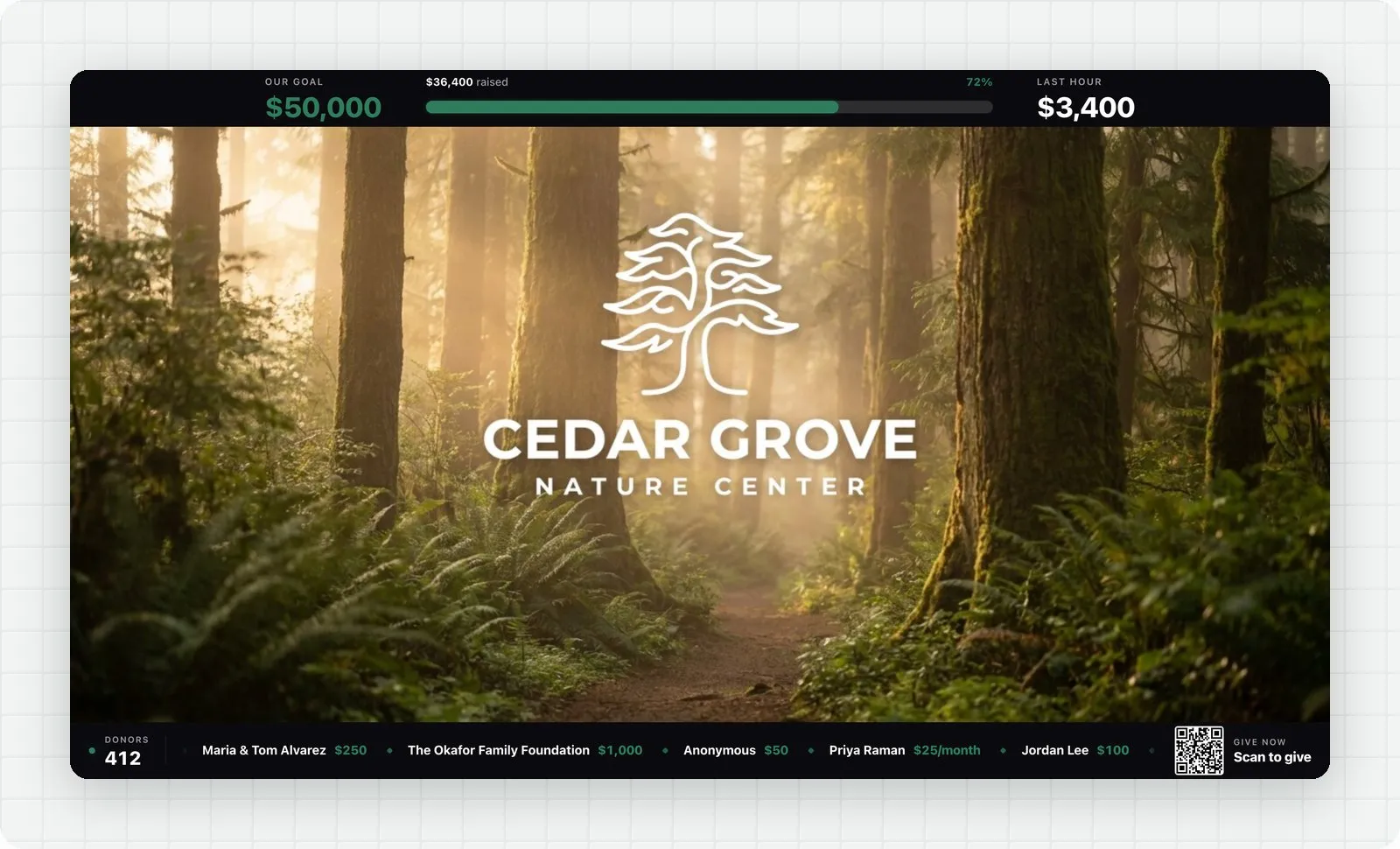
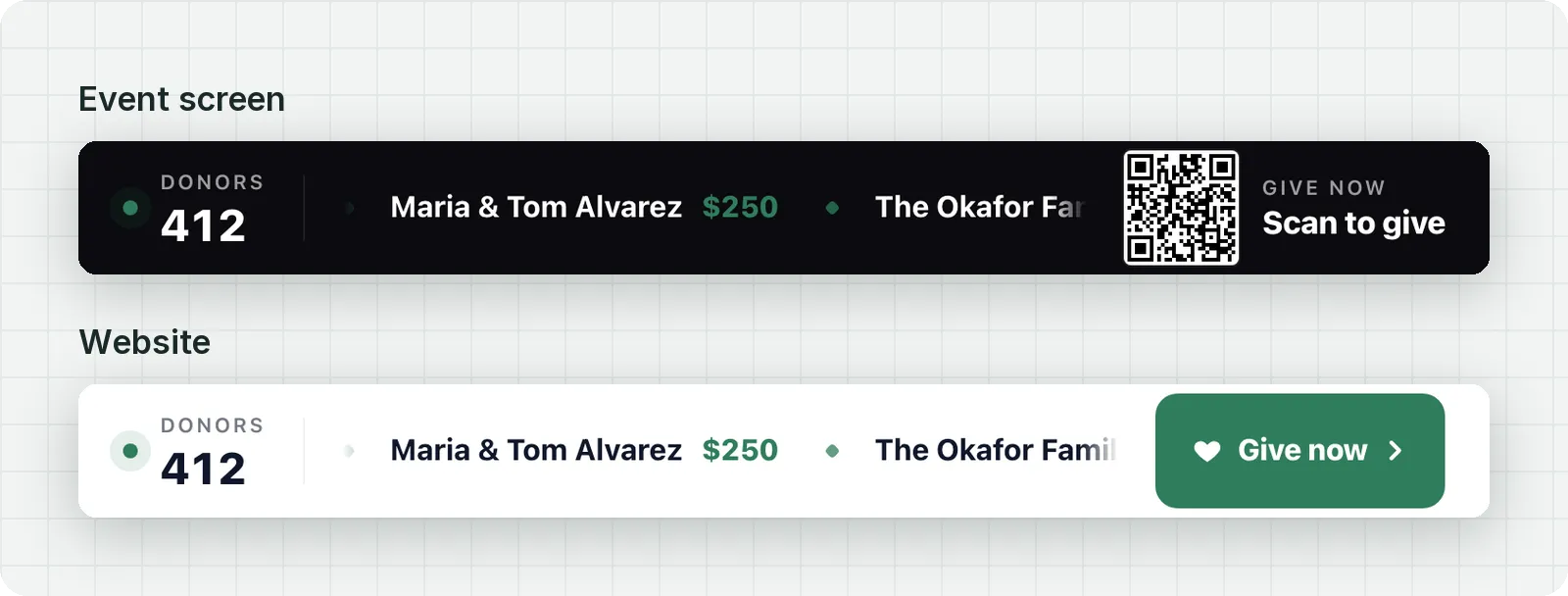
The new Live Donor Ticker scrolls your latest donors and their gifts across your event screen or website, so every donor gets thanked in front of the room. Each new gift gets its own shout-out the moment it comes in. Create one in your dashboard under Live Displays, then Widgets.
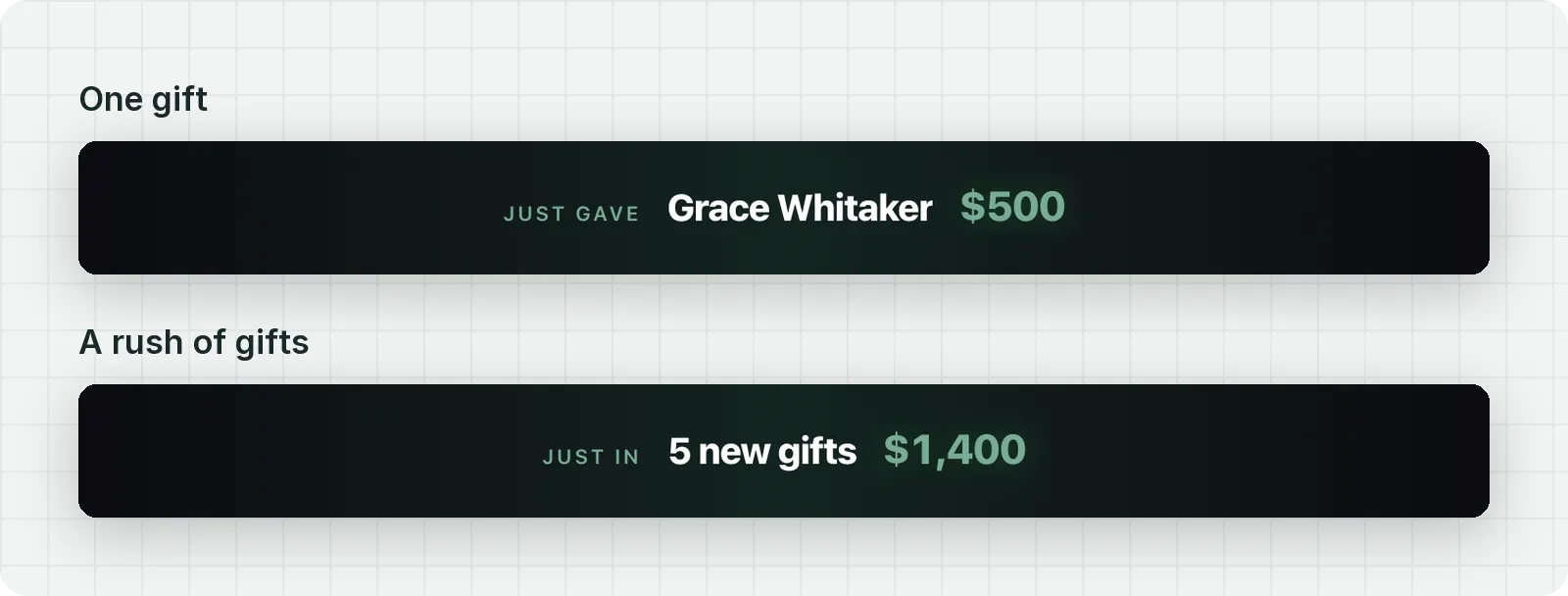
When a gift comes in, the ticker pauses and a "Just gave" spotlight shows the donor's name and amount. Gifts that arrive back to back take turns, and a rush of giving shows as one total, like "5 new gifts, $1,400," so the ticker never falls behind. Afterward, the newest donors lead the list.
Donors appear exactly as they entered their names, so couples and family foundations show in full. Anyone who gives anonymously appears as "Anonymous," and monthly gifts read like "$25/month." If you'd rather just say thank you, turn off gift amounts.
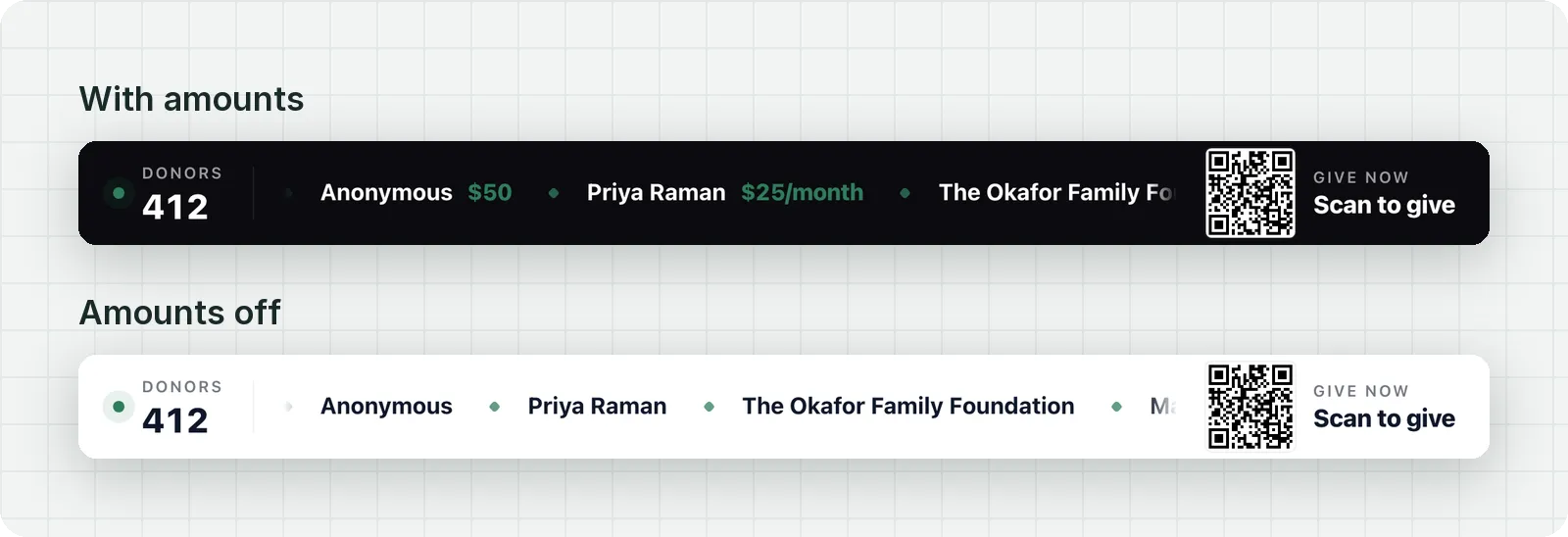
The ticker matches the progress bar widget in height, theme, and color, and both react to the same gift at the same time. Run your progress bar across the top of the screen and your donors across the bottom. The ticker uses your brand color in a dark or light theme, or colors you pick.
On an event screen, the end of the ticker shows a "Scan to give" QR code for your donation page. On your website, a Give now button takes its place, and bars can pin to the top or bottom of the page so a progress bar and a donor ticker can share it without covering your content.
Subscribe to get notified when we ship new features and improvements.
Max of two emails per month.
You're subscribed!