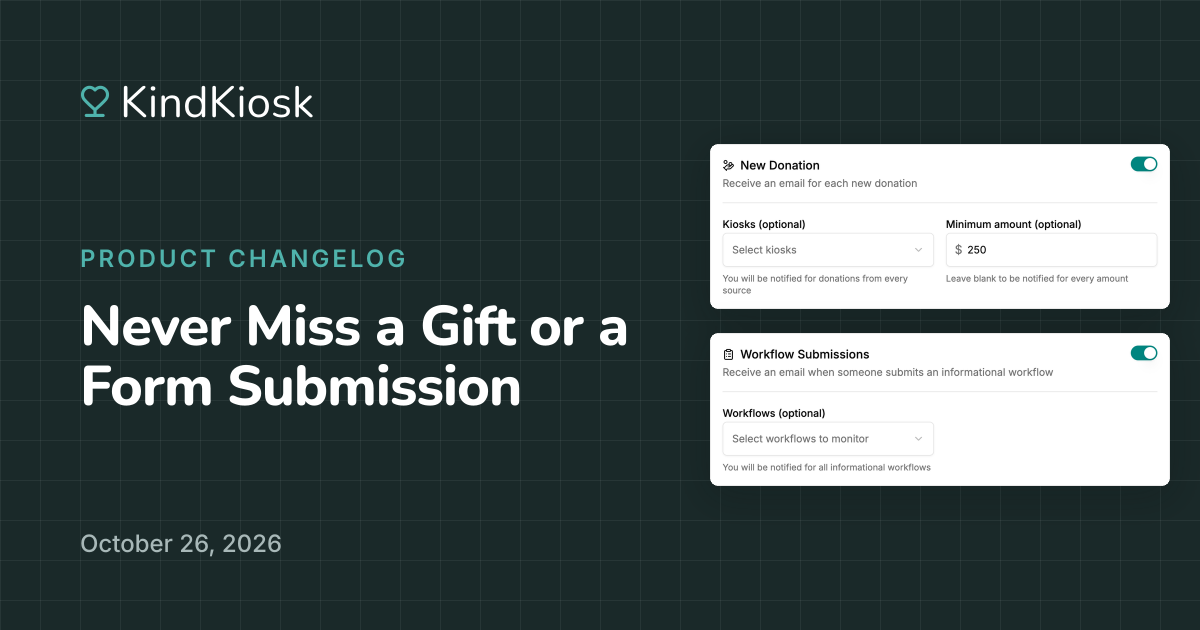
Hear about gifts and form submissions the moment they come in. Under Settings, Account, Notifications, turn on emails for new donations, workflow submissions, or both. Each person on your team chooses for themselves, so your director can hear about everything while everyone else's inbox stays quiet.
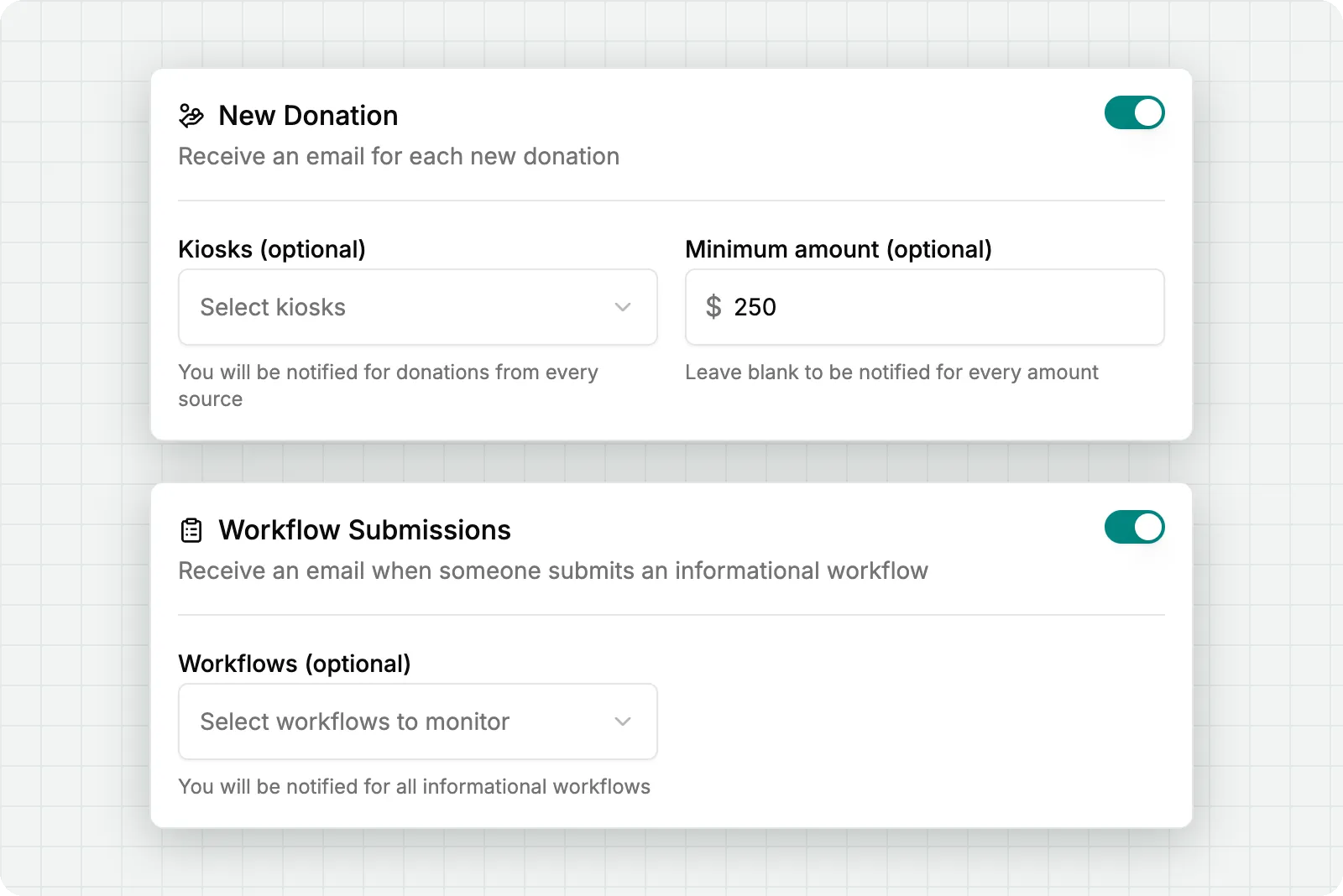
Set a minimum amount to hear only about larger gifts, or pick the kiosks you care about. Each email shows the amount, the fund it supports, who gave, and where the gift came from: a kiosk, QR code, donate button, or KindTap stand.
Offline gifts your team records in the dashboard send an email too, so everyone hears about that check at the event even when your team is spread out. A monthly gift sends one email when it starts, showing how long the donor chose to give. Anonymous donors stay anonymous: the email says "Anonymous" and leaves out their contact details.
Get an email each time someone fills out an informational workflow, like a volunteer sign-up or a pledge card. It lists every answer they gave, along with where and when they filled it out. If the form asks for an email address, one click starts a new email to them, so you can follow up while they're still thinking about you.
Only care about one form? Pick the workflows you want to hear about, and the rest stay out of your inbox.
Subscribe to get notified when we ship new features and improvements.
Max of two emails per month.
You're subscribed!