elevates in-person fundraising.

Gifts flow into a daily batch you review and approve - no manual imports and exports!
Each day's gifts sync to Raiser's Edge as a single dated batch - ready for your team to review and approve on your own schedule.
We never overwrite your records. New emails, addresses, and phone numbers collected at the Kiosk are simply added - so your data gets richer, not rewritten.
We match constituents using Blackbaud's own rules. Anything we're unsure about is flagged "needs review," with a note in the batch so your team can approve with confidence.
Your Funds and Campaigns sync down to the Kiosk. Set the anonymous-gift constituent, Constituent Code, and Acknowledgement Status - all from your dashboard.
A donation made on your Kiosk appears in your Kind Kiosk dashboard immediately. We then sync it to Raiser's Edge as a batch named for the current date (for example, #kk-021926). Every gift from that day joins the same batch, and the next day your team reviews the gifts and approves the batch once everything looks good.
No. The integration will never replace data already in your system. If we identify an email, address, or phone number that was collected at your Kiosk but doesn't yet exist in Raiser's Edge, we'll add it - enriching your records without touching what's already there.
When we sync a gift, we try to use the same set of rules Blackbaud uses to determine a match. If we're confident, you'll see exactly what was matched. If we're not confident, we mark it as "needs review" - and within the batch review you'll see this same information listed as a comment to help your team with approvals.
In Settings > Integrations on your Kind Kiosk dashboard, click "Connect" on the Raiser's Edge NXT card and authorize the connection - your dashboard walks you through each step. We'll immediately start syncing your Funds and Campaigns.
We recommend it. While not required, setting up a separate integration user - with the same access as a standard account in your organization - ensures the data sync isn't broken if roles change or someone leaves the organization.
Yes. From the Integration settings page in your Kind Kiosk dashboard you can control the constituent used for anonymous donations, apply a Constituent Code to every Kind Kiosk gift, and explicitly set the Acknowledgement Status.
Full custom field mapping is on the way, building on the work we've done for our Salesforce integration. In the meantime, reach out to our team with any specific mapping needs and we'll be happy to help.
The Raiser's Edge NXT integration is included on the Growth plan. If you're on Community, you can upgrade right from the dashboard.
Donation data is never lost - it remains in Kind Kiosk even if the Raiser's Edge sync runs into a problem. If things appear not to sync correctly or you're experiencing ongoing issues, reach out to our team for help!
The Raiser's Edge NXT integration is just one of many powerful features that make Kind Kiosk a complete solution for modern in-person fundraising.
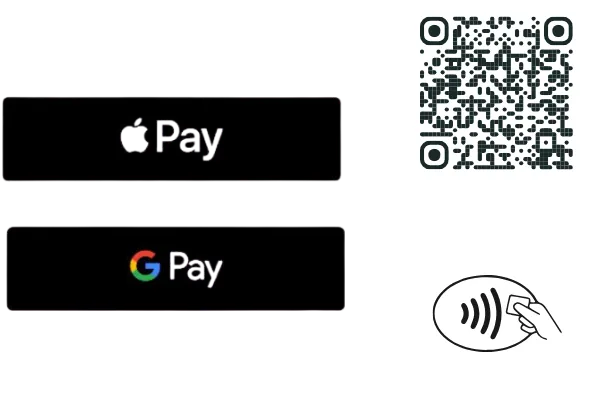
Accept donations using Apple Pay, Google Pay, credit card tap/insert, or a QR code.
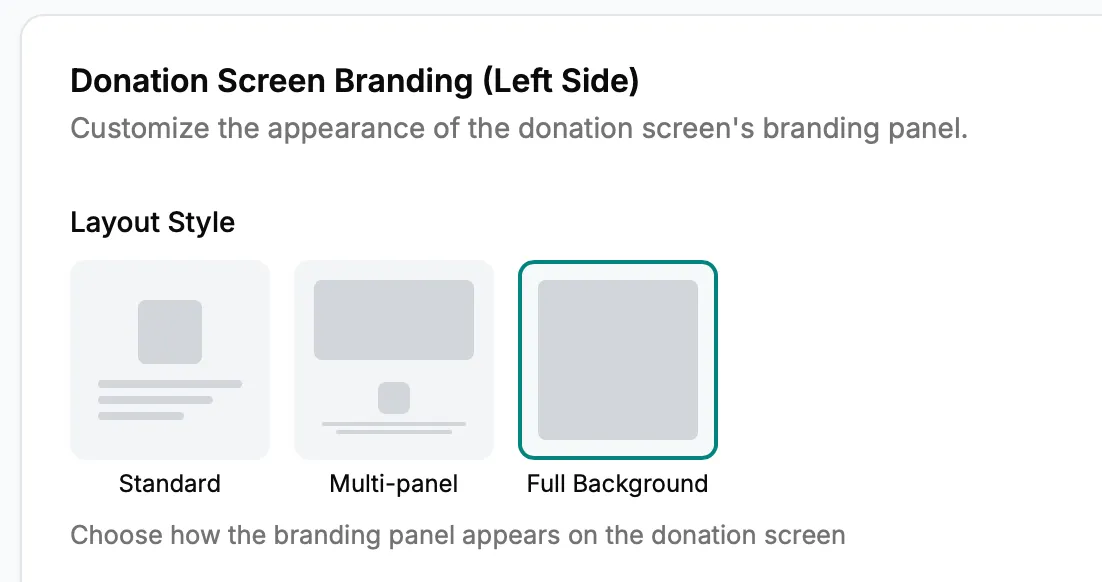
Change your Kiosk's branding, suggested donation amounts, and appearance for special events or promotions. Update everything from your dashboard.
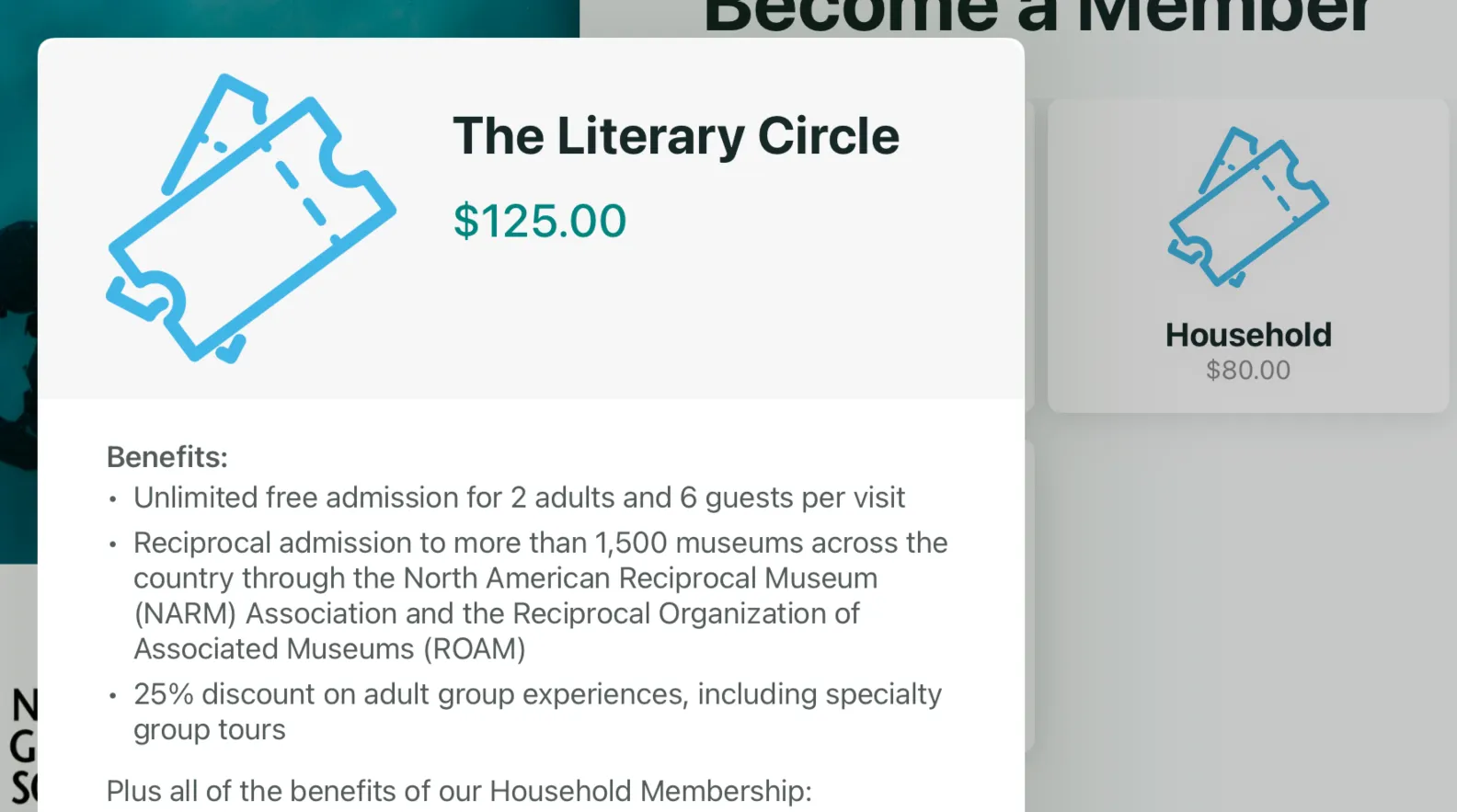
Use your Kiosk for memberships, surveys, email collection, volunteer check-in, and more. Custom workflows transform your kiosk into an all-purpose engagement tool.
Book a demo to see how seamless donor management can be with automatic syncing between your kiosk and Raiser's Edge NXT.