
elevates in-person fundraising.
Built for the Nonprofit Success Pack (NPSP). Say goodbye to manual imports and exports!
Kiosk gifts post as Opportunities (Donations) tied to Contacts and Household Accounts, with GAU Allocations and Campaigns - exactly where your fundraising team already works. No custom objects to learn.
The integration only creates new records and reuses an existing Contact when it can match a donor. It never updates the data already in your Salesforce org, so your records stay exactly as your team left them.
Once connected, we sync your General Accounting Units and Campaigns down to Kind Kiosk so you can reference them right inside your Kiosk Configurations - keeping your reporting organized and accurate.
Designed for a standard Nonprofit Success Pack setup. We ship sensible default field mappings out of the box, and you can override any of them from your Kind Kiosk dashboard.
When a donation is made on your Kiosk, we send the transaction to Salesforce and create an Opportunity (Donation) on NPSP's standard objects - with the appropriate Contact and Household Account, plus GAU Allocations. We reuse an existing Contact whenever we can match the donor.
No. The integration only ever creates new records (Contacts, Opportunities, and GAU Allocations) and reuses existing Contacts when it can match a donor. It never updates the data already in your Salesforce org.
We're built on NPSP's standard objects: Contacts and Household Accounts, Opportunities (Donations), General Accounting Units (GAUs), GAU Allocations, and Campaigns. There are no custom objects to learn.
Yes. The integration is designed to work with a stock NPSP install. You'll also install a small Kind Kiosk app in your Salesforce org as part of connecting - your Kind Kiosk dashboard walks you through it.
After installing the Kind Kiosk app in Salesforce, go to Settings > Integrations in your Kind Kiosk dashboard, click "Connect" on the Salesforce NPSP card, and authorize the connection - no API keys to copy and paste. We recommend authorizing with a dedicated integration user rather than an individual's account, and depending on your org's settings a Salesforce administrator may need to approve the connection.
Yes. We ship sensible default field mappings, and you can override them from your dashboard. At a minimum we recommend mapping the Opportunity name and description so each record carries useful context from Kind Kiosk.
Anonymous gifts can be tracked against a dedicated Kind Kiosk record, or you can point them at an existing record you already use for this purpose.
To reduce the chance of creating duplicate data, we do not sync historical donations.
The Salesforce NPSP integration is included on the Growth plan. If you're on Community, you can upgrade right from the dashboard.
If a donation fails to sync, we'll automatically retry several times. Donation data is never lost - it remains in Kind Kiosk even if the Salesforce sync fails.
If things appear to not sync correctly or you're experiencing ongoing problems, reach out to our team for help!
The Salesforce NPSP integration is just one of many powerful features that make Kind Kiosk a complete solution for modern in-person fundraising.
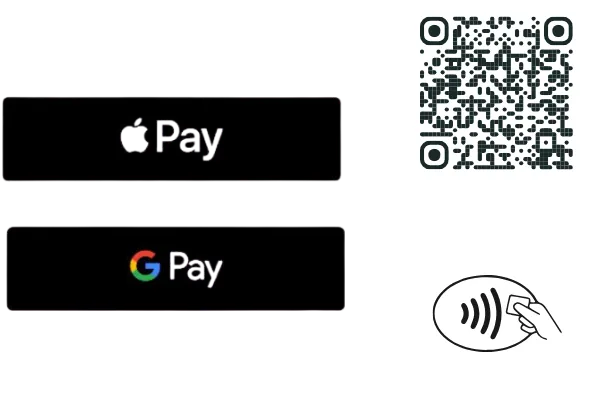
Accept donations using Apple Pay, Google Pay, credit card tap/insert, or a QR code.
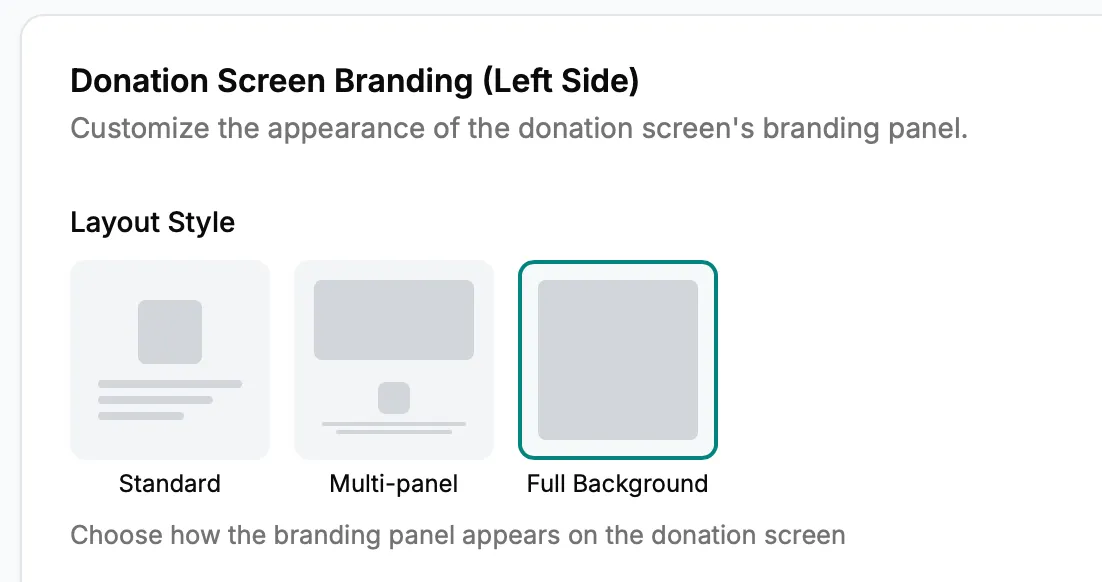
Change your Kiosk's branding, suggested donation amounts, and appearance for special events or promotions. Update everything from your dashboard.
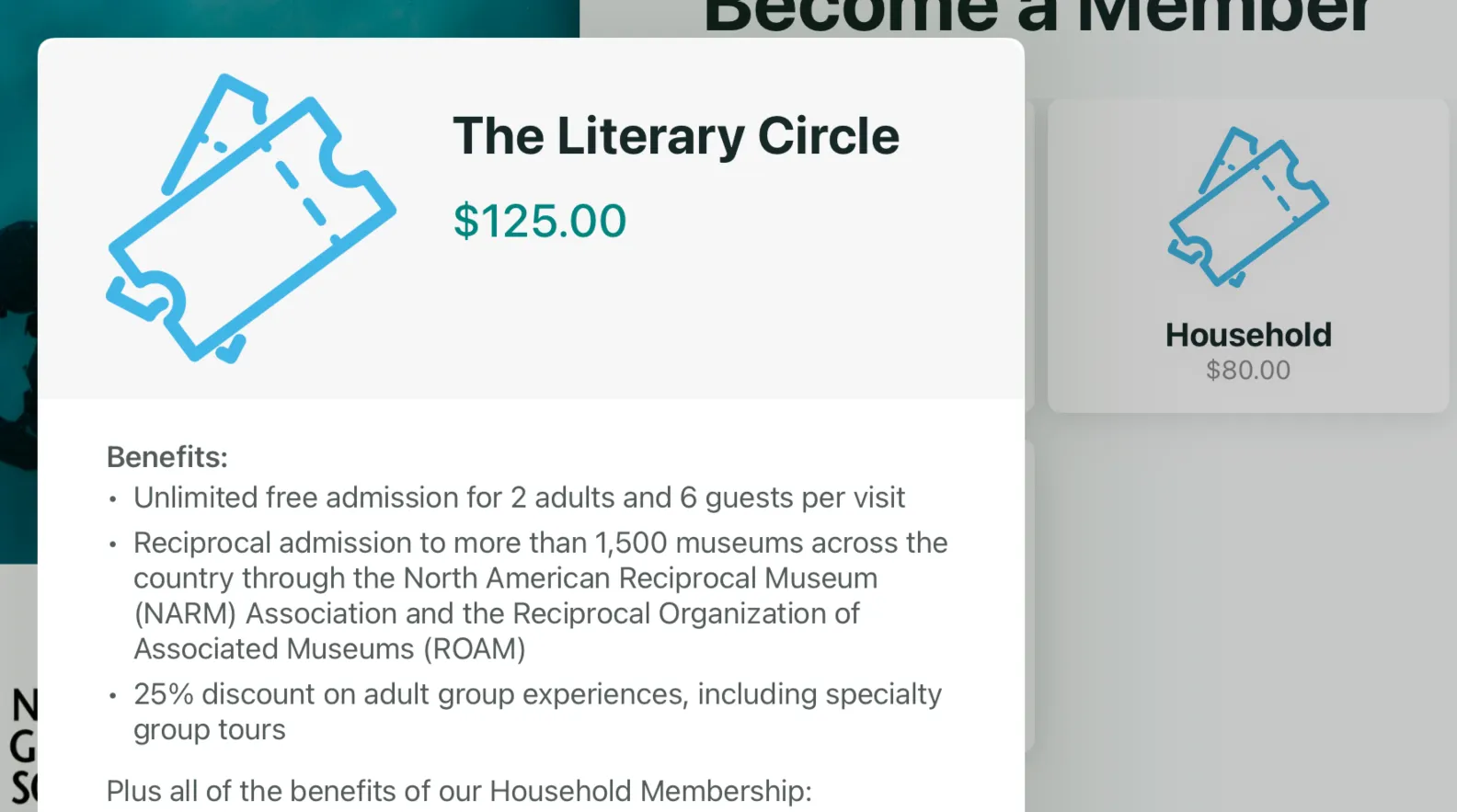
Use your Kiosk for memberships, surveys, email collection, volunteer check-in, and more. Custom workflows transform your kiosk into an all-purpose engagement tool.
Book a demo to see how seamless donor management can be with automatic syncing between your kiosk and Salesforce NPSP.